COMICWAVESign inSign up
Home / Converters / Script to Comic
Converter · Script scenes to panels

Script to comicAI.

Script to comic AI converts scene headings, action and dialogue into an editable comic plan. Review the detected cast, locations, beats and spoken lines before drawing, then generate separate panels and keep lettering live for later revisions.

No card required · every step is previewed before it costs credits
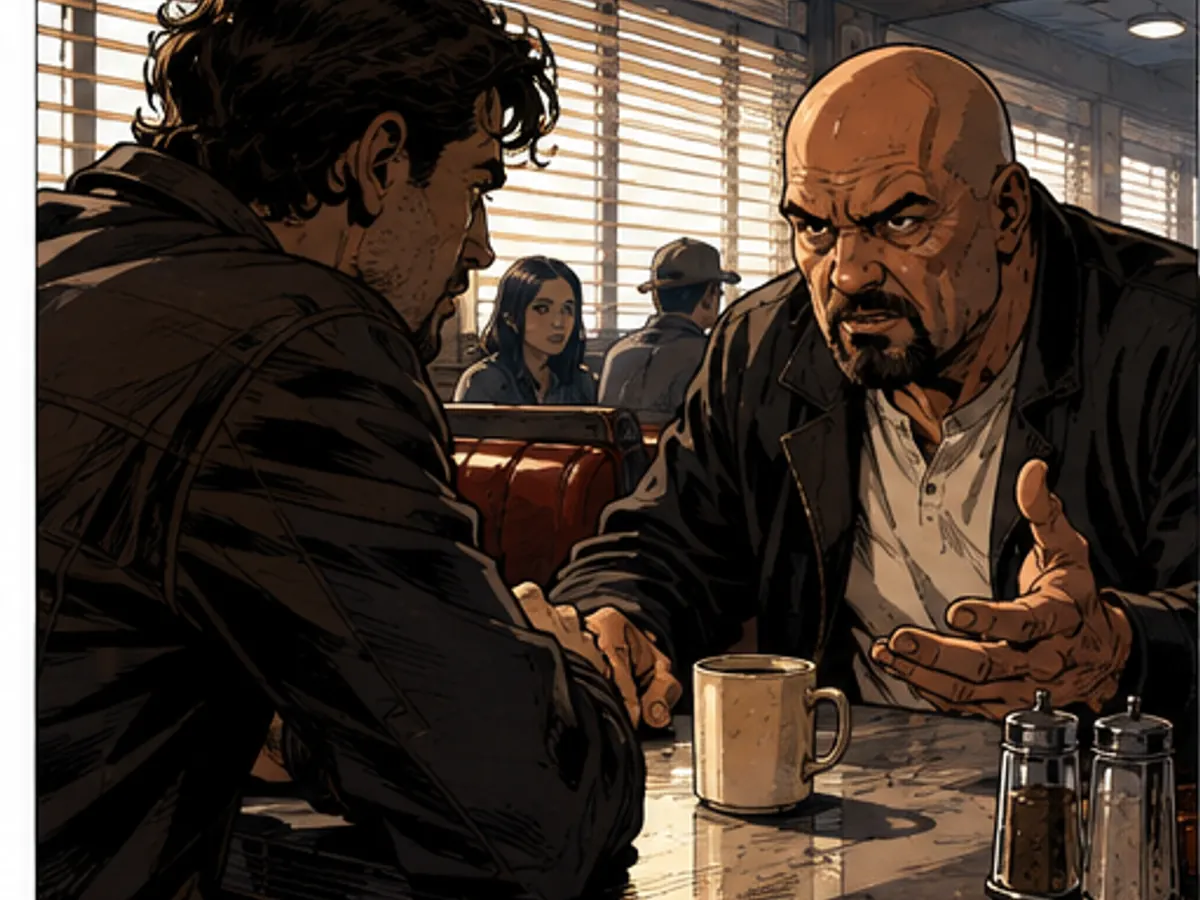
Two people in a tense diner conversation01
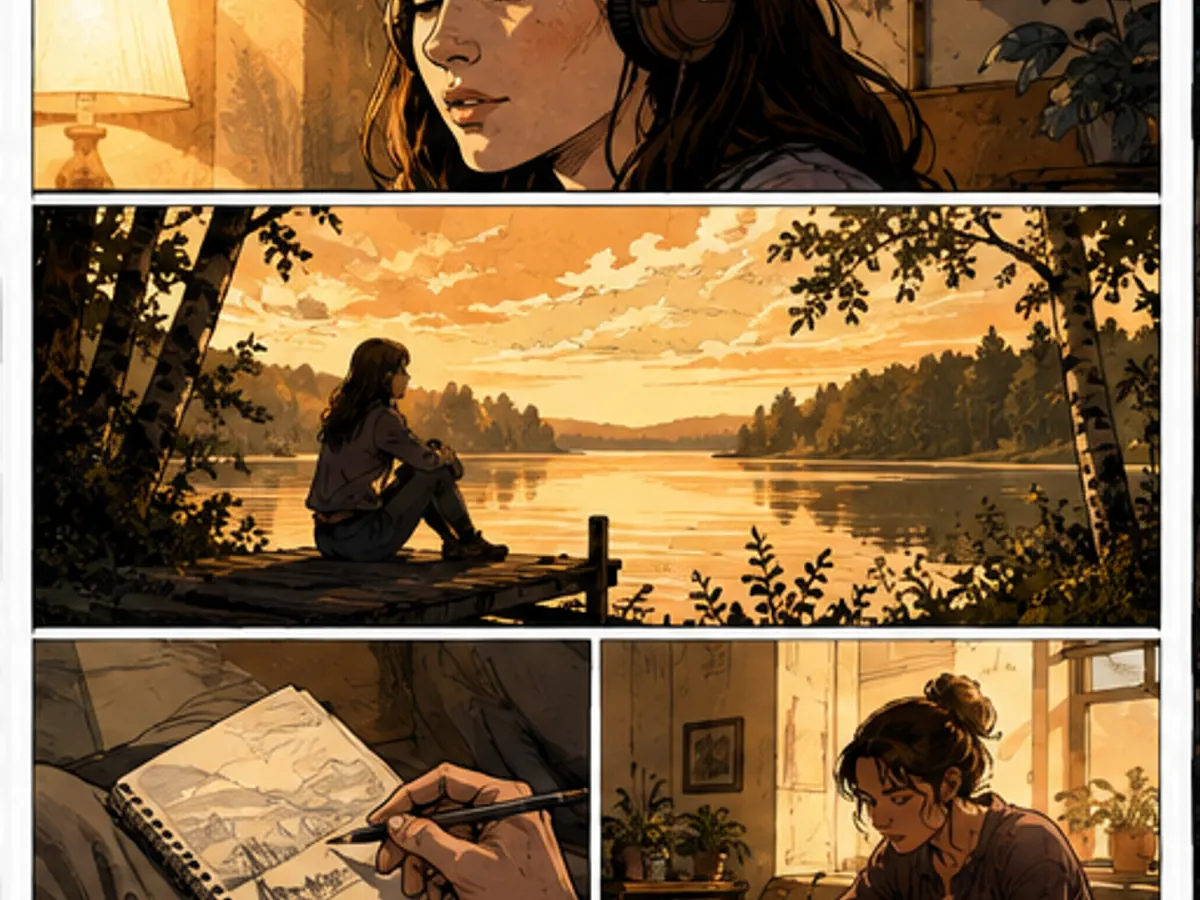
Listener and lakeside memory adapted into comic beats02
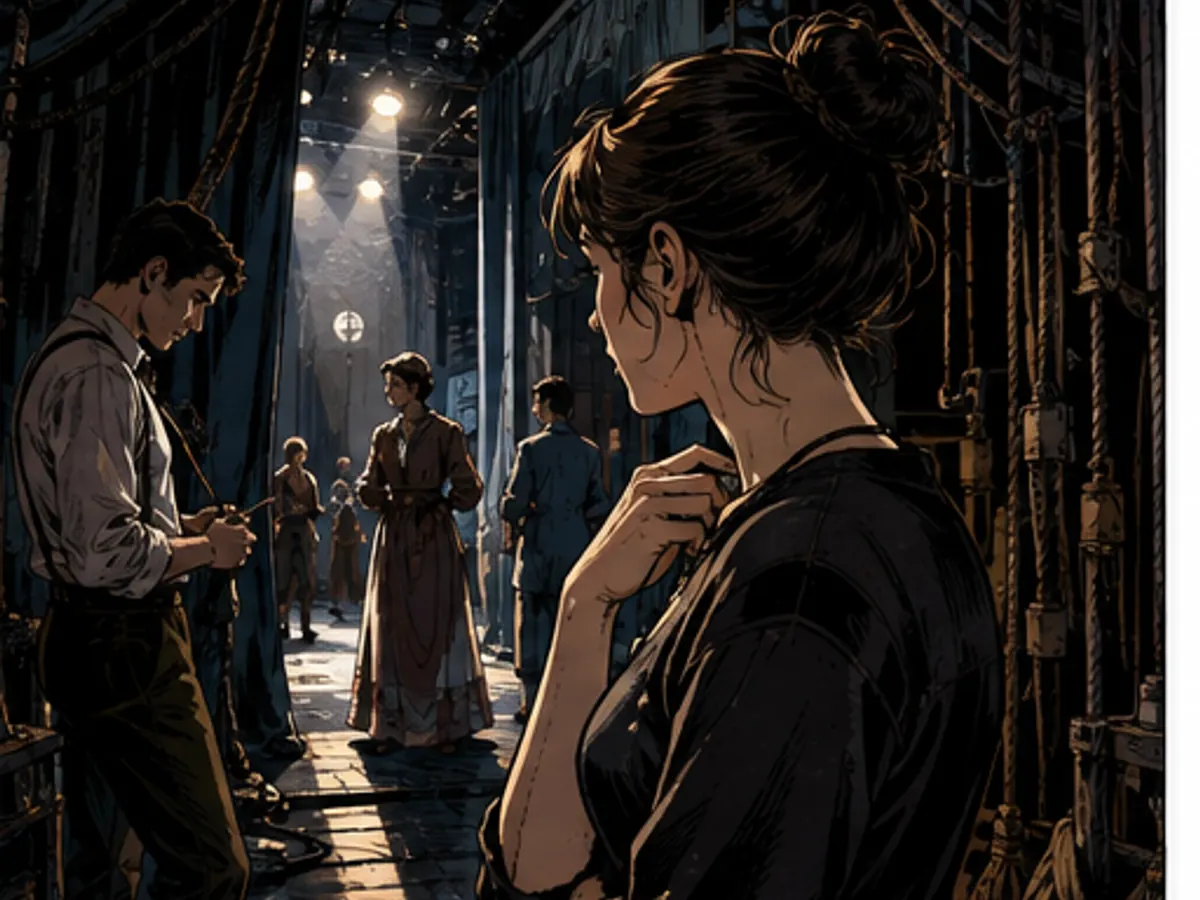
Actors waiting backstage during a play03
Scene headings · action beats · dialogue · editable panel plan

Try it here

Fast Comic planning is free — you approve before anything is drawn
Plan with Fast Comic · free

Script conversion specs

Input
Pasted screenplay, stage scene or dialogue
Detection
Scenes, cast, locations and spoken lines
Adaptation
Visual beats with editable panel count
Review
Source beside proposed comic plan
Drawing
Only approved panels are generated
Output
Page, strip, storyboard or vertical scene

What the script parser finds

Review the structure before any art is queued.

Detected in night-diner-scene.txt
Scenes
1
HIGH
Characters
Mara · Dev
HIGH
Locations
Diner interior
Dialogue lines
8
Panel beats
6
CHECK
Planning is free; approve the visual adaptation before drawing.
File types
.txt · .md · .fountain
Text and screenplay files
.docx · text .pdf
Secure text extraction
.fdx
SOON
Scanned .pdf · OCR
SOON
The source remains visible so omissions and changes can be reviewed.

What you get

Keep the source visible

Compare the proposed panels with the original scene before approving an adaptation.

Turn action into shots

Split movement and reactions into readable visual beats instead of copying every script line.

Preserve editable dialogue

Move or rewrite live lettering without repainting the characters behind it.

Choose the final format

Use the same reviewed plan for a page, storyboard, strip or vertical comic scene.

How it works

01
Paste one scene

Start with a complete scene that has a location, clear action and a manageable cast.

02
Review the adaptation

Check detected speakers, visual beats, omitted action and the proposed panel count.

03
Generate and edit

Draw approved panels, correct individual frames and finish the live lettering.

Scripts adapted into visual beats

Six original adaptation studies made for this page. They demonstrate scene types and blocking, not benchmark results.

Why creators keep control

See exactly what stays under your control. Customer quotes will appear here only when we have permission to publish them.

Product capability
The workflow stays reviewable

ComicWave keeps the script-to-comic adaptation plan, generated panels and lettering as separate stages. You can review the structure before drawing and replace one weak result without discarding accepted work.

Product capability
The examples are clearly identified

The visual examples on this page are original concept illustrations made for this topic. They are not customer work, benchmark results or a promise that every generated output will match them.

How we verified this
Written by ComicWave product team
Reviewed by ComicWave content review on 2026-09-04
Evidence reviewed: ComicWave product implementation · ComicWave editorial keyword brief · Page-specific original concept illustrations

Why this beats one big prompt

What you needOne image modelComicWave
The same face in every panelRe-rolls until it looks closeApproved sheet attached to relevant panels; outputs remain reviewable
Fixing one bad panelRegenerate the whole imageOne panel, one job, siblings untouched
Changing a line of dialogueRedraw and hopeFree — text is vector, not pixels
Reading order and guttersWhatever the model paintsA real layout you can switch for free
Print at 300 dpiUpscale and prayPage size, trim, bleed and a validator
Knowing the cost firstPay per attemptReserved, settled, released — shown up front
Free 50 credits · Creator $24 · Studio $72Credits are reserved before a job and released if it fails.See pricing →

Questions

Related tools

Same category, the next step in the workflow, and something to read.

Let the scene become visible before it becomes expensive.

Convert a scriptSee pricing