COMICWAVESign inSign up
Home / Lettering / Comic Lettering Tool
Tool · Editable comic lettering

Comic letteringtool.

ComicWave is comic lettering software for placing editable speech balloons, captions and sound effects over separate panel art. Write, move and restyle the words without repainting the scene, then check reading order and export sharp lettering for web or print.

No card required · every step is previewed before it costs credits
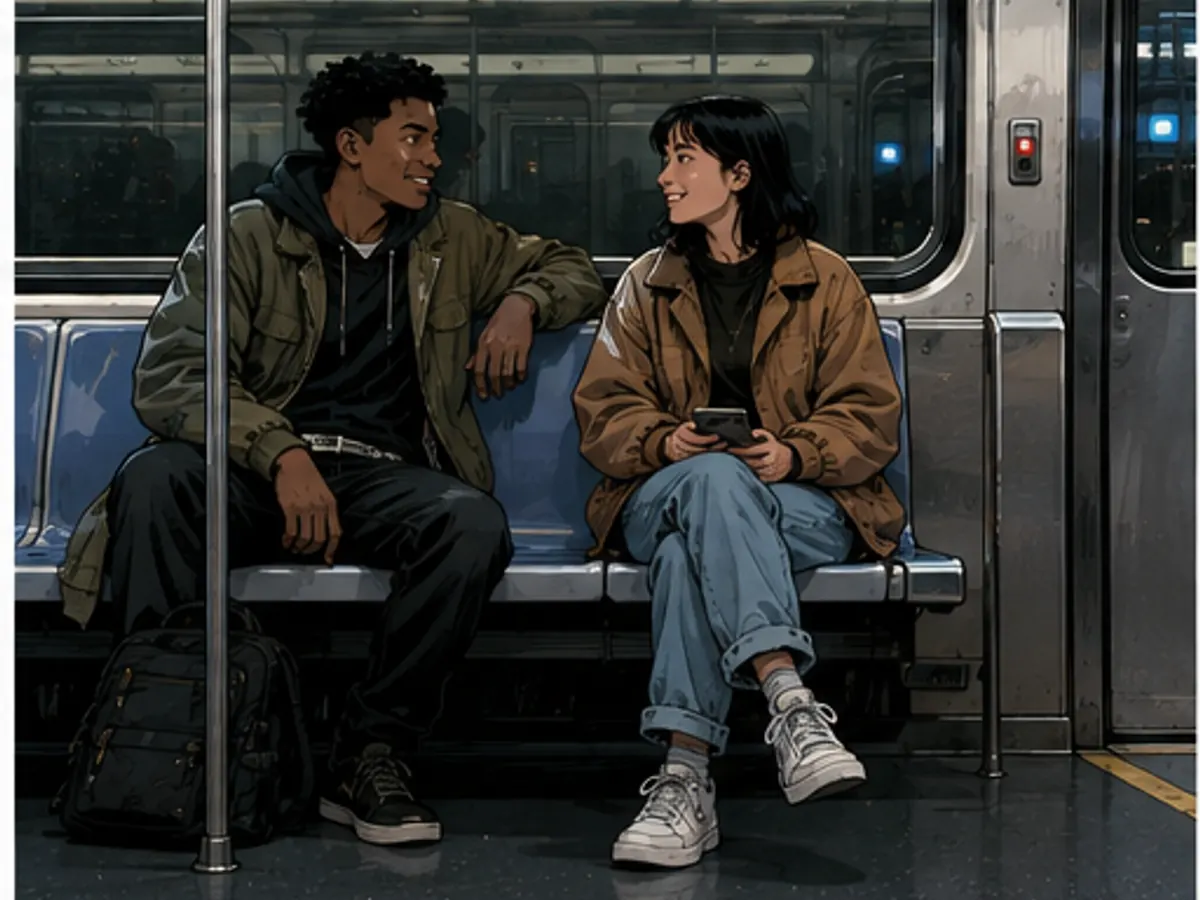
Two friends talking in a subway carriage with space for balloons01
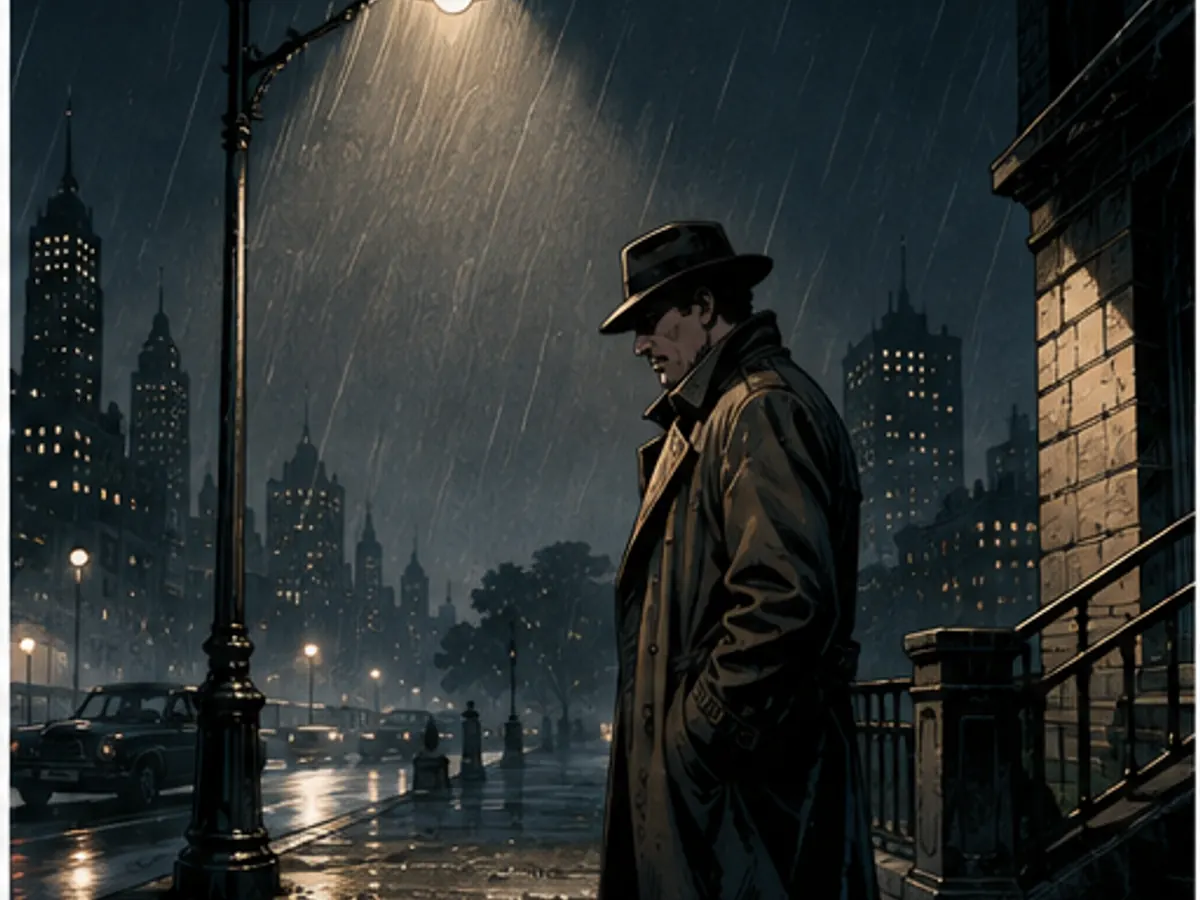
Detective under a streetlamp with open space for a caption02
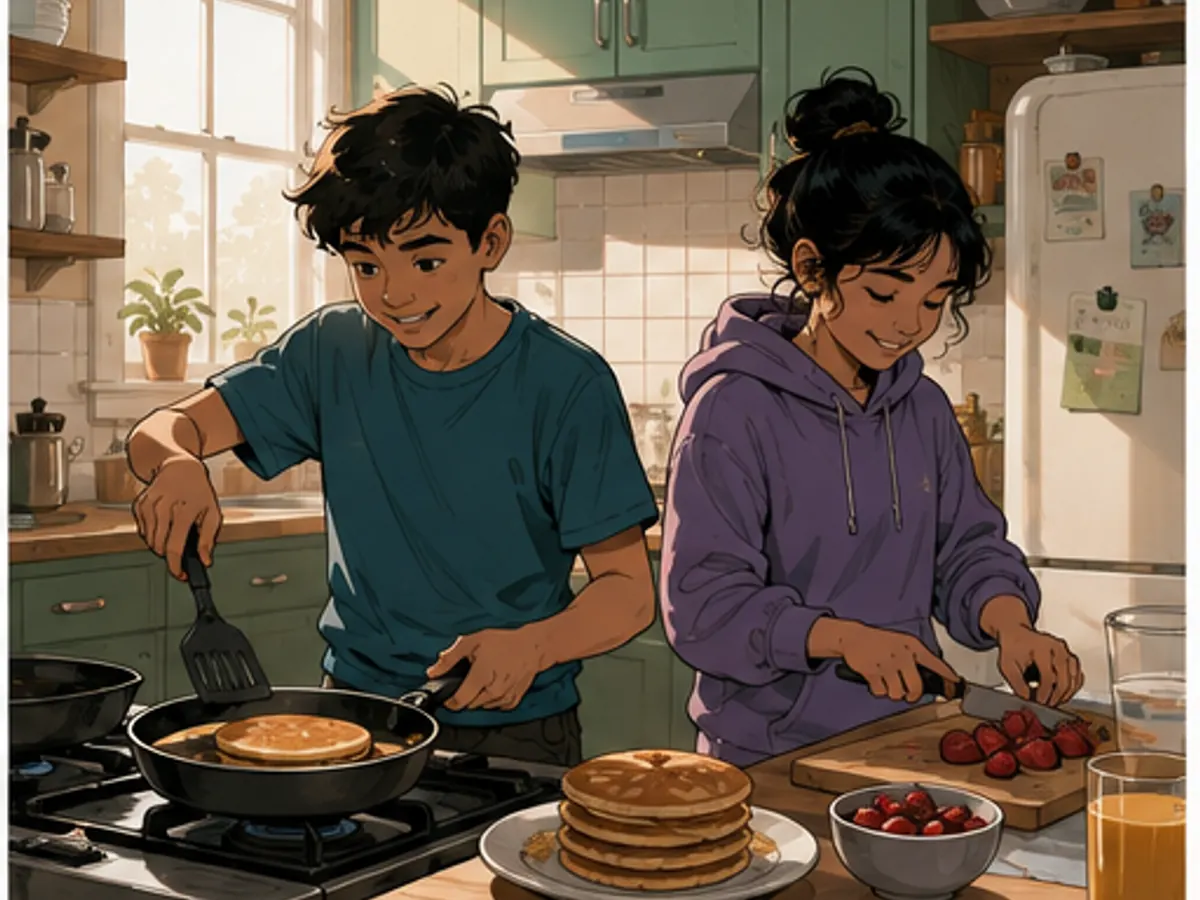
Siblings making breakfast with clear space for short dialogue03
Live vector text · natural balloon placement · editable after art

Try it here

Fast Comic planning is free — you approve before anything is drawn
Plan with Fast Comic · free

Lettering controls

Text
Editable dialogue, captions and sound effects
Balloons
Speech, thought, whisper and shout presets
Tails
Moveable direction and attachment
Order
Visual reading-order review
Typography
Size, weight, alignment and line spacing
Export
Sharp output without flattening edits too early

The preset catalog

The launch catalog has 24 procedural bubble bodies; this sheet previews its core families. In Studio, applying a preset changes editable geometry and live text rather than flattening it into art.

clean oval
round manga
rounded rect
soft organic
hand-drawn
long horizontal
tall thought
dashed whisper
faint whisper
jagged soft
starburst
polygon

Four tail families, all with draggable targets

straight
curved
narrow
thought dots

What you get

Keep text live

Correct a name, translate a line or shorten a caption without asking the art model to repaint anything.

Place balloons naturally

Follow the speaker and available negative space instead of forcing every balloon to the same corner.

Check the reading path

Read balloons in order at page size and fix crossed tails, cramped stacks or ambiguous jumps.

Export crisp lettering

Render words and balloon shapes cleanly for web images or print-ready page output.

How it works

01
Add the script

Paste or write the exact dialogue, narration and sound effects for each panel.

02
Fit the page

Choose a restrained balloon treatment, place it in open artwork and point the tail at the speaker.

03
Proof and export

Read the whole page at final size, correct order and spacing, then export the approved version.

Scenes designed for clear lettering

Six original language-neutral scenes made for this page. Empty composition space is intentional so lettering can be placed around faces and actions instead of over them.

Why creators keep control

See exactly what stays under your control. Customer quotes will appear here only when we have permission to publish them.

Product capability
The workflow stays reviewable

ComicWave keeps the lettered comic plan, generated panels and lettering as separate stages. You can review the structure before drawing and replace one weak result without discarding accepted work.

Product capability
The examples are clearly identified

The visual examples on this page are original concept illustrations made for this topic. They are not customer work, benchmark results or a promise that every generated output will match them.

How we verified this
Written by ComicWave product team
Reviewed by ComicWave content review on 2026-09-04
Evidence reviewed: ComicWave product implementation · ComicWave editorial keyword brief · Page-specific original concept illustrations

Why this beats one big prompt

What you needOne image modelComicWave
The same face in every panelRe-rolls until it looks closeApproved sheet attached to relevant panels; outputs remain reviewable
Fixing one bad panelRegenerate the whole imageOne panel, one job, siblings untouched
Changing a line of dialogueRedraw and hopeFree — text is vector, not pixels
Reading order and guttersWhatever the model paintsA real layout you can switch for free
Print at 300 dpiUpscale and prayPage size, trim, bleed and a validator
Knowing the cost firstPay per attemptReserved, settled, released — shown up front
Free 50 credits · Creator $24 · Studio $72Credits are reserved before a job and released if it fails.See pricing →

Questions

Related tools

Same category, the next step in the workflow, and something to read.

Let the art breathe and the words lead the eye.

Letter a comic — freeSee pricing