The AI comic generatorthat remembersyour characters.
Paste a story, a script, or just an idea. ComicWave plans the pages, draws every panel with your approved character references, letters it with real speech bubbles, and exports for print, webtoon or social. Generation runs in the background, and every panel remains yours to review and fix.
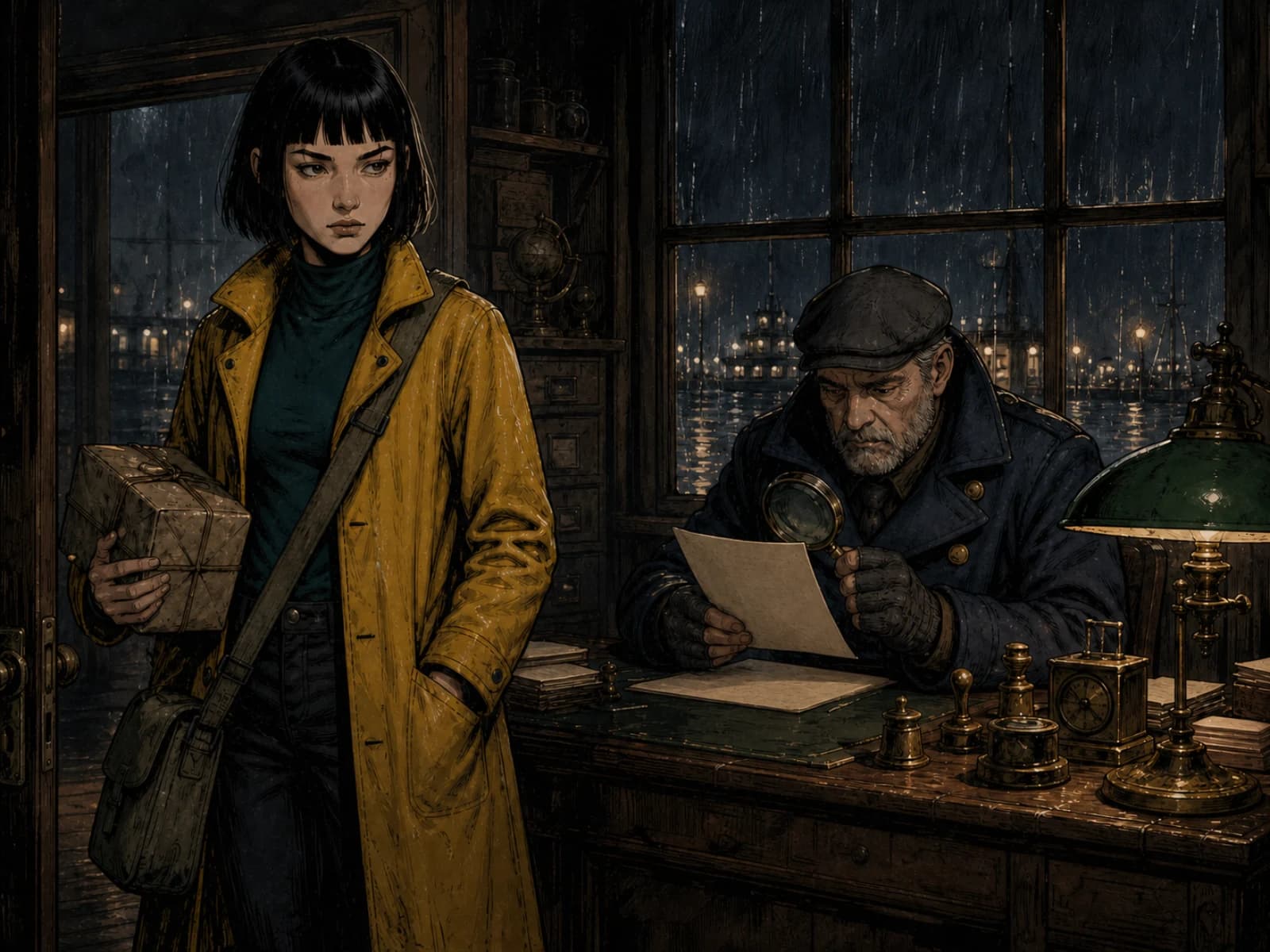
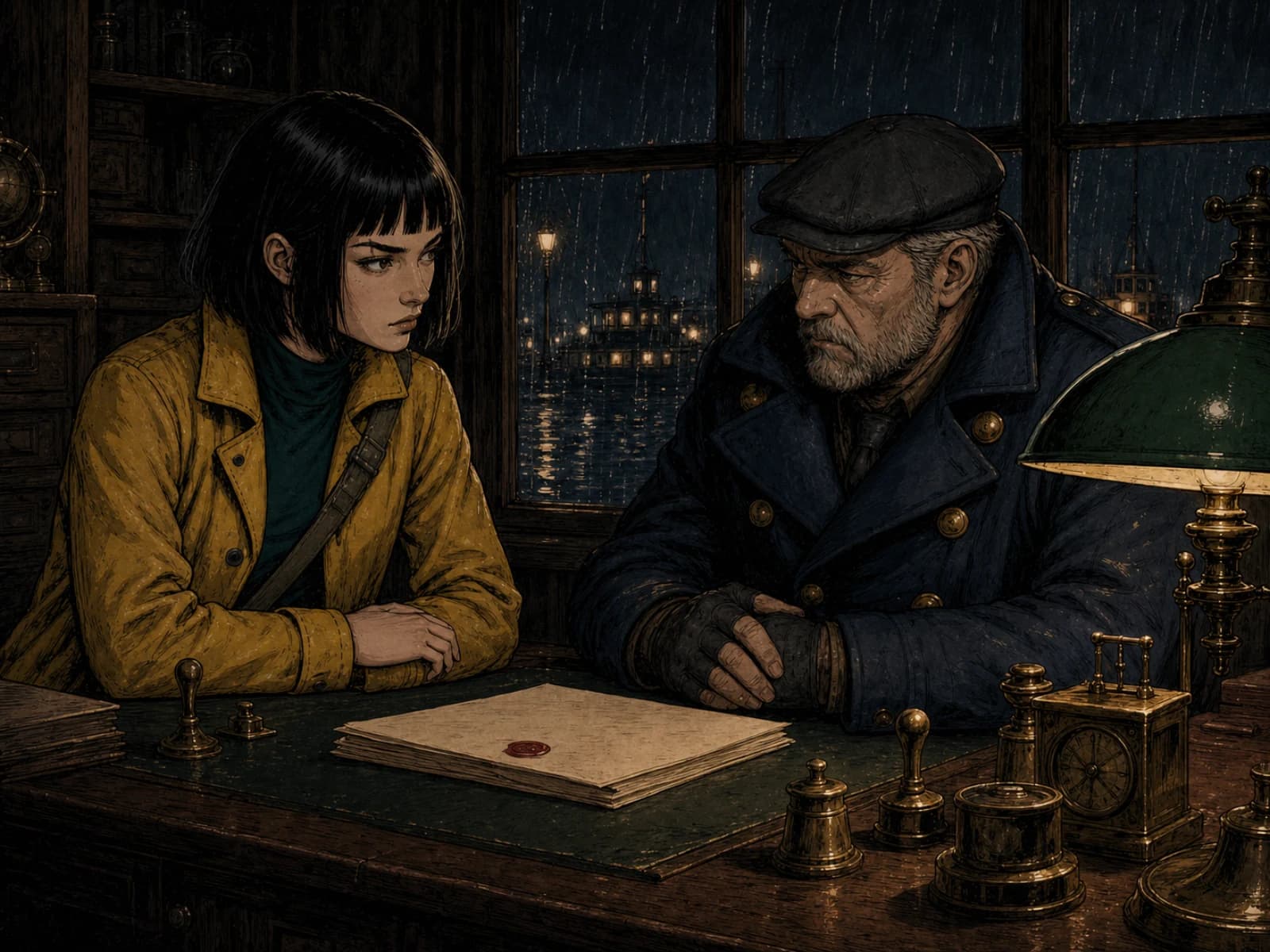
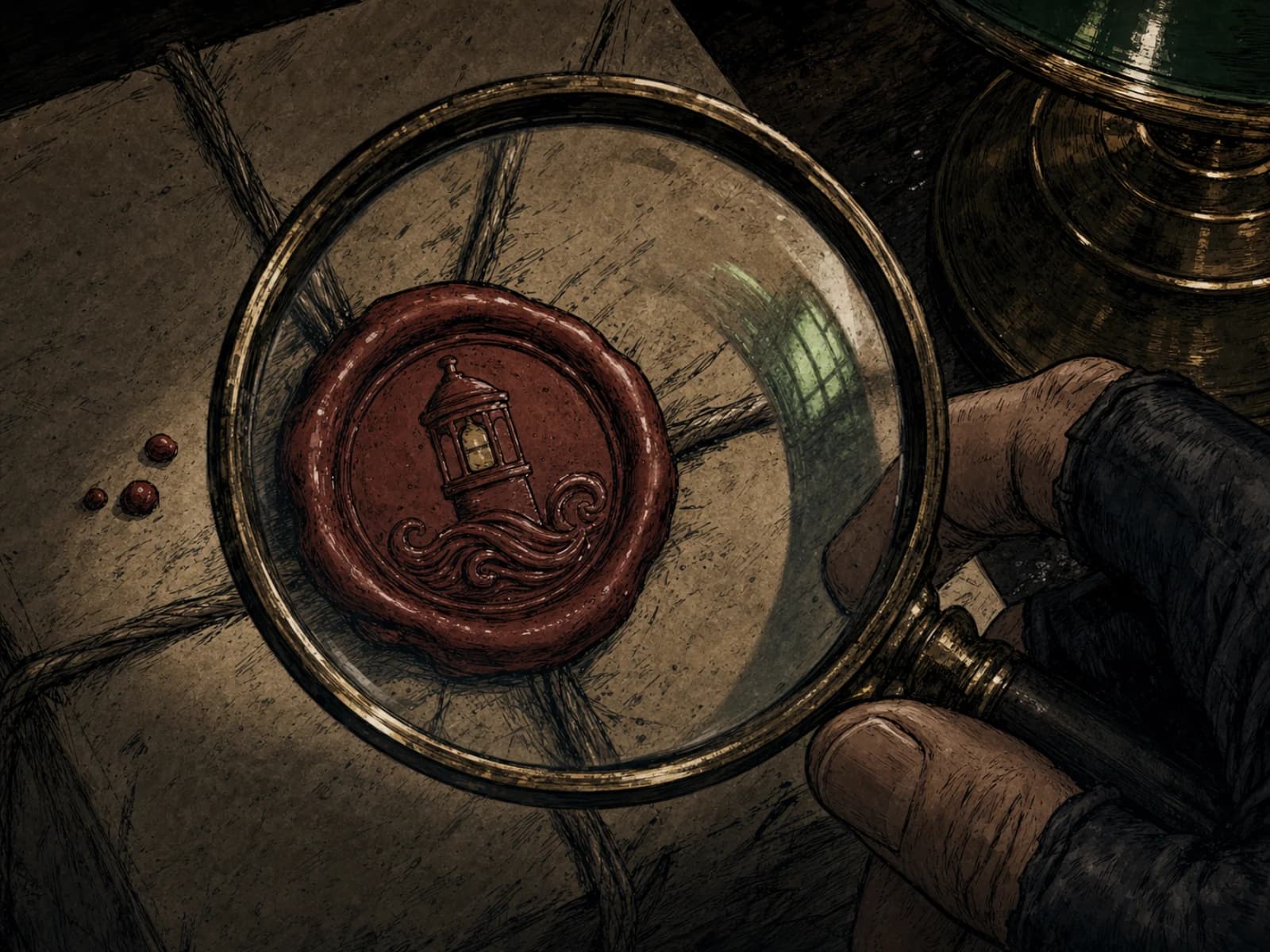
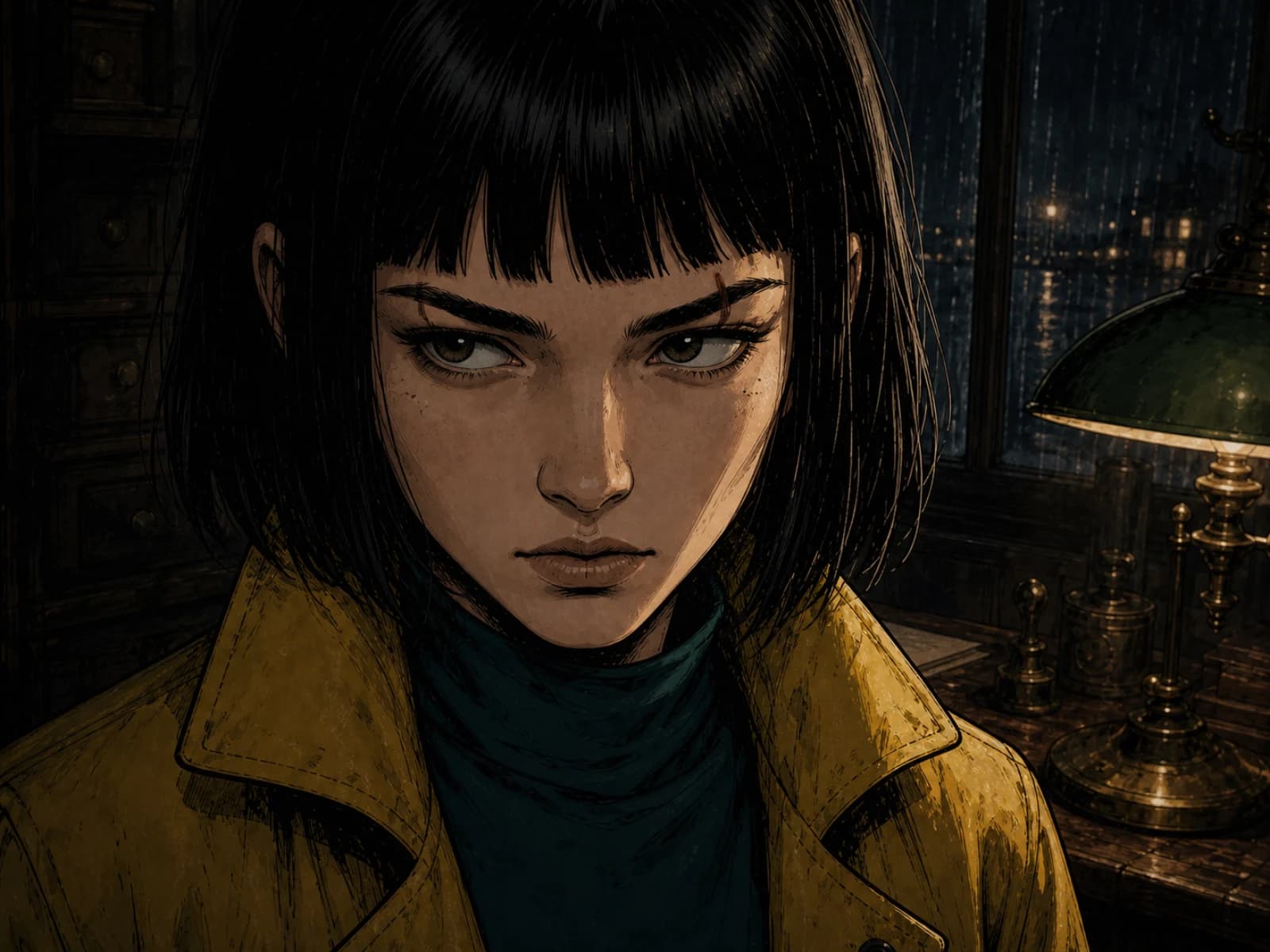

Start where you are.
Visual drift compounds across panels.
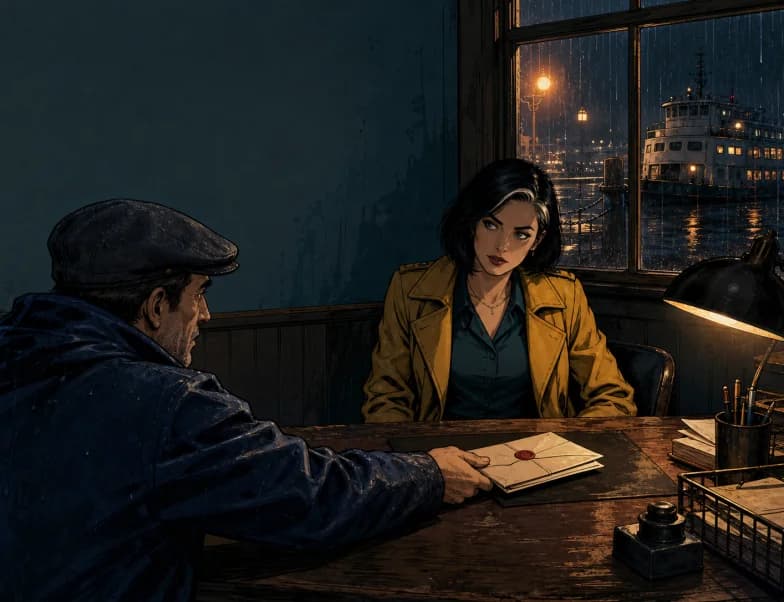
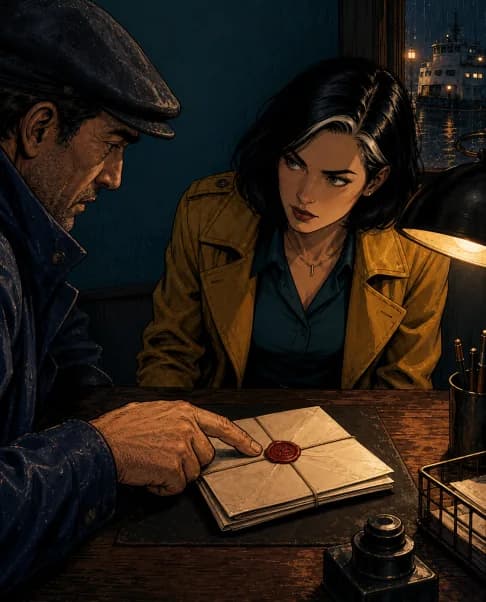
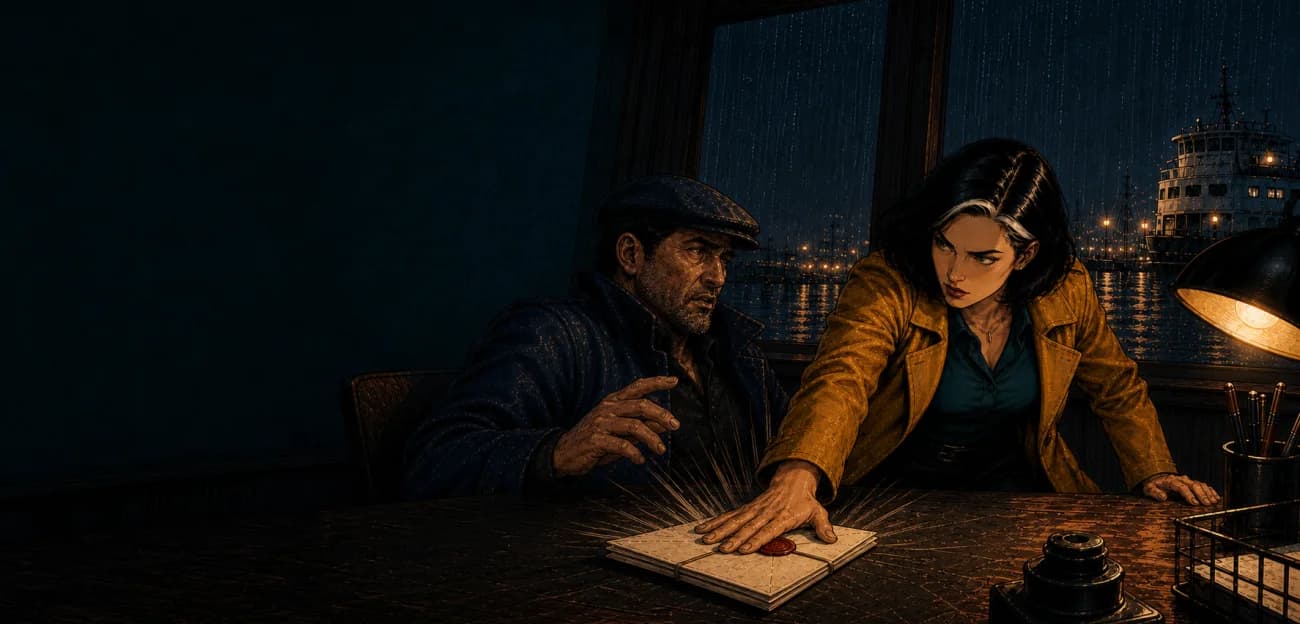
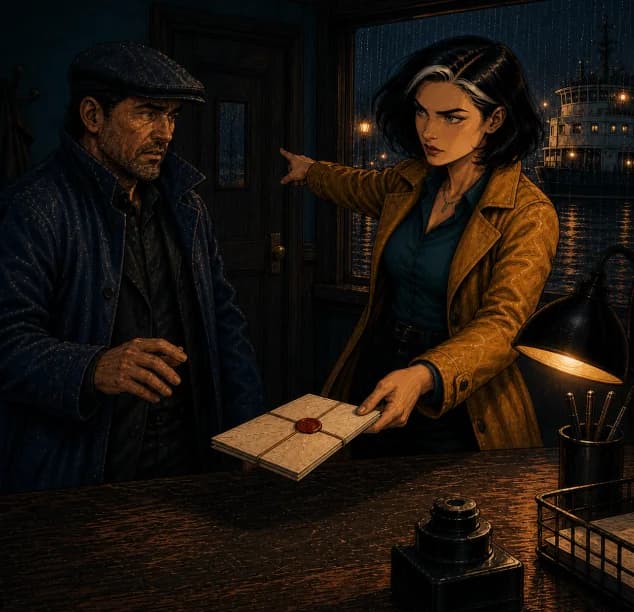
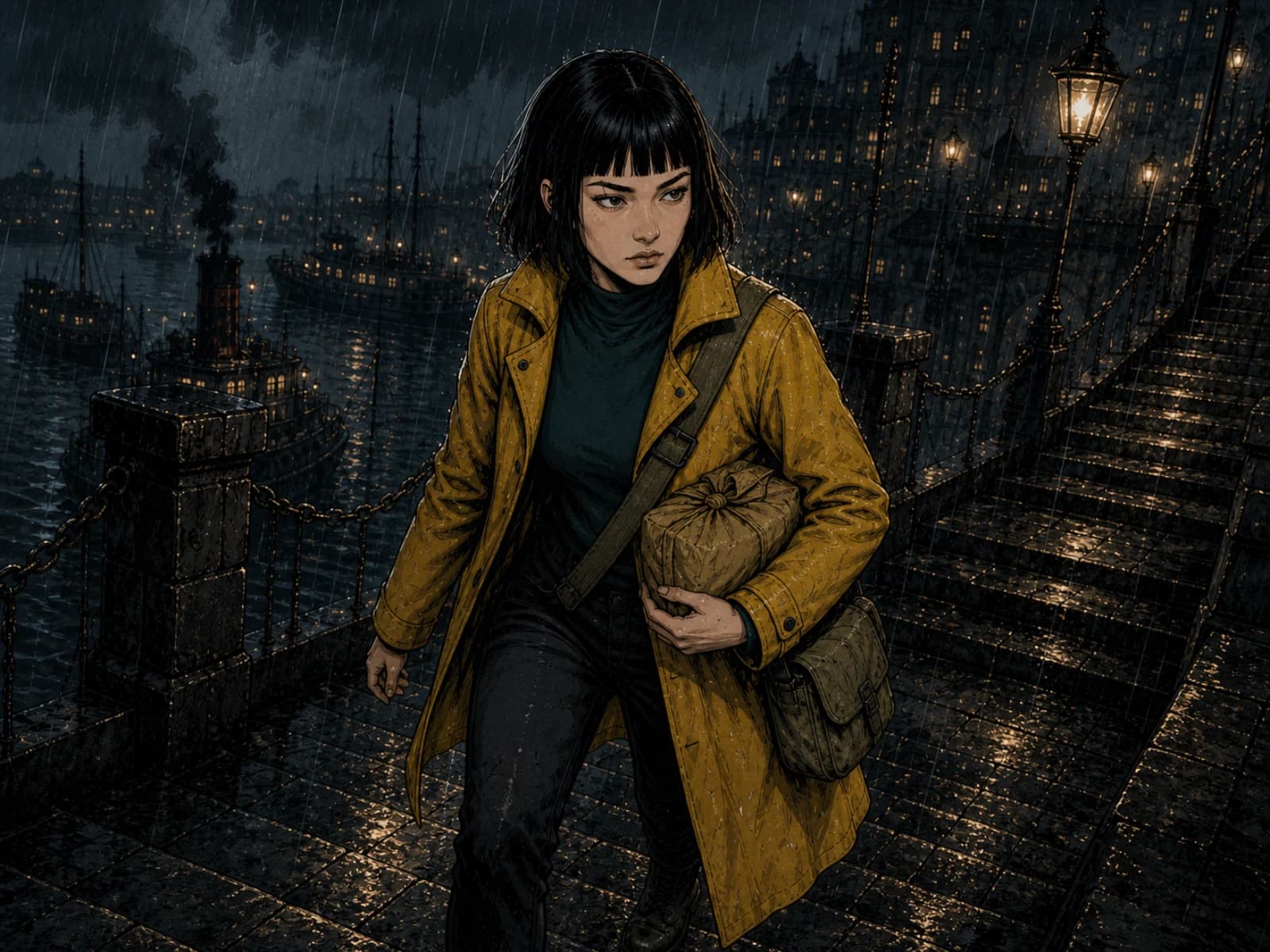
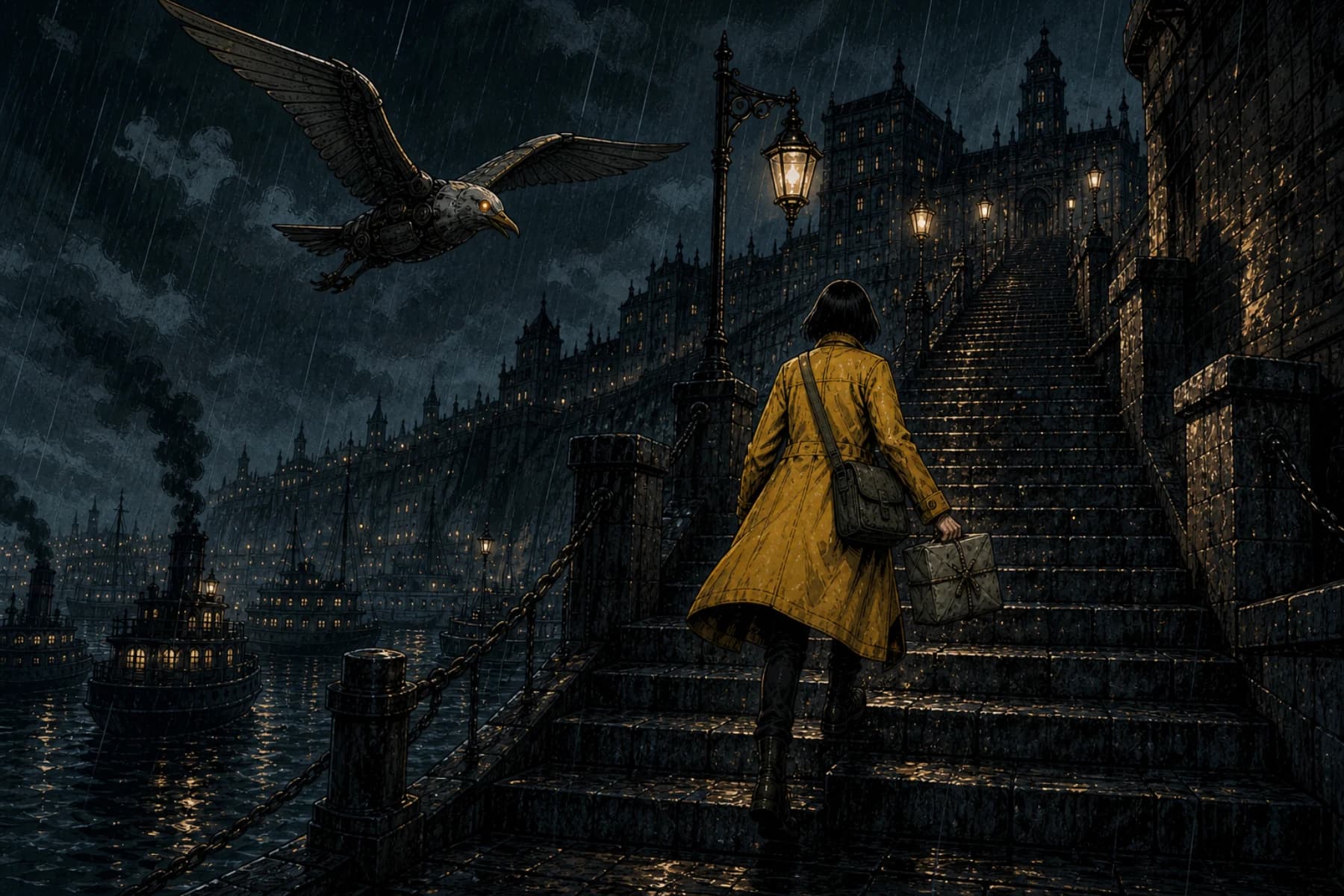
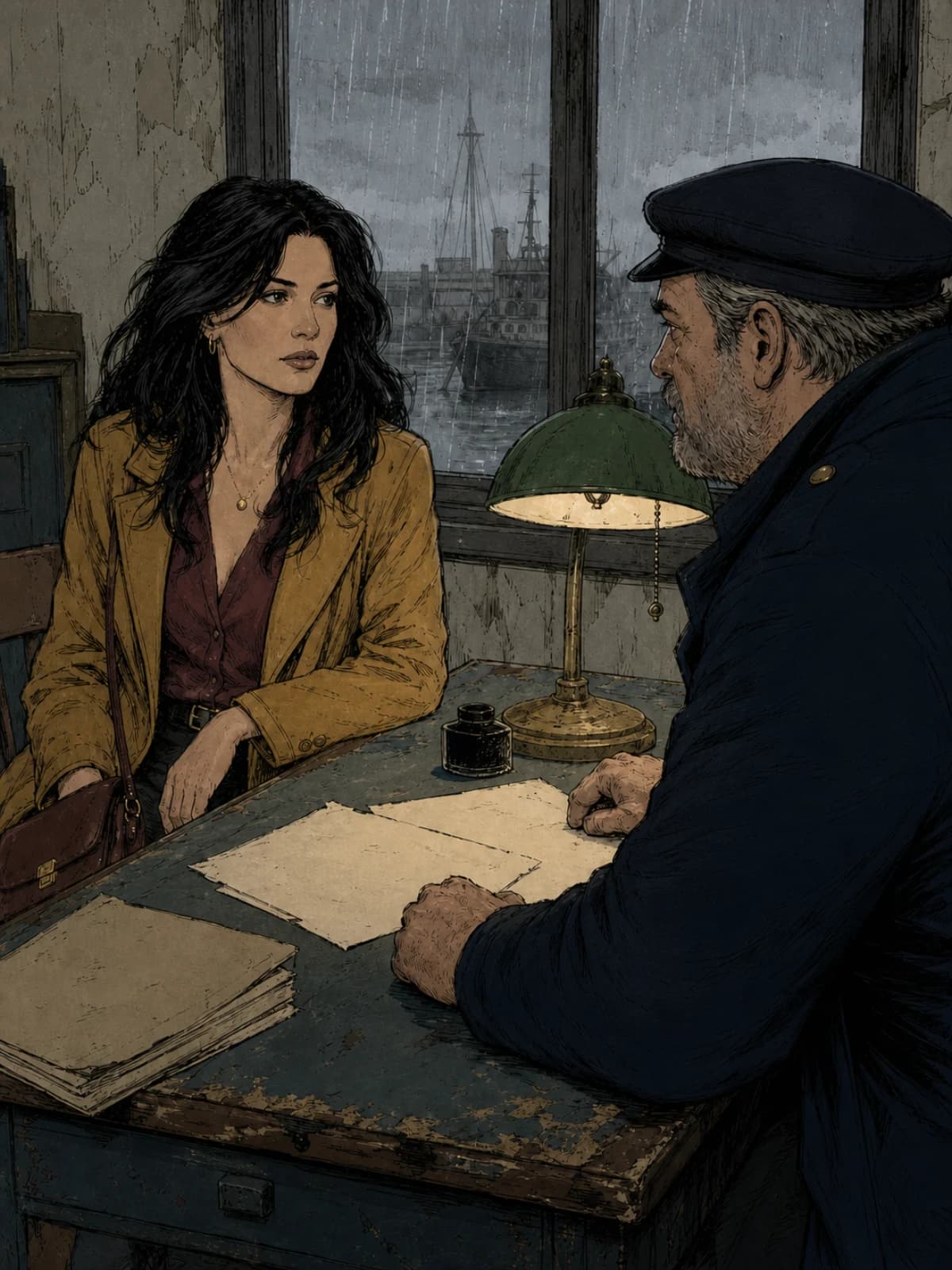
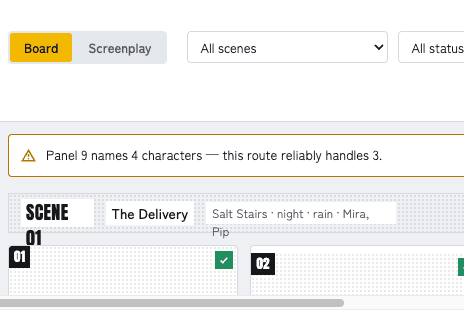
The face drifts. The coat changes colour. The lamp moves. A comic isn't twelve pictures — it's one story told twelve times with the same people. So ComicWave is built around memory: approved character sheets every panel is drawn from, outfits and props tracked scene by scene, accepted panels that become references for the next ones, and a correction memory — reject a panel for “wrong coat” once and the project remembers.
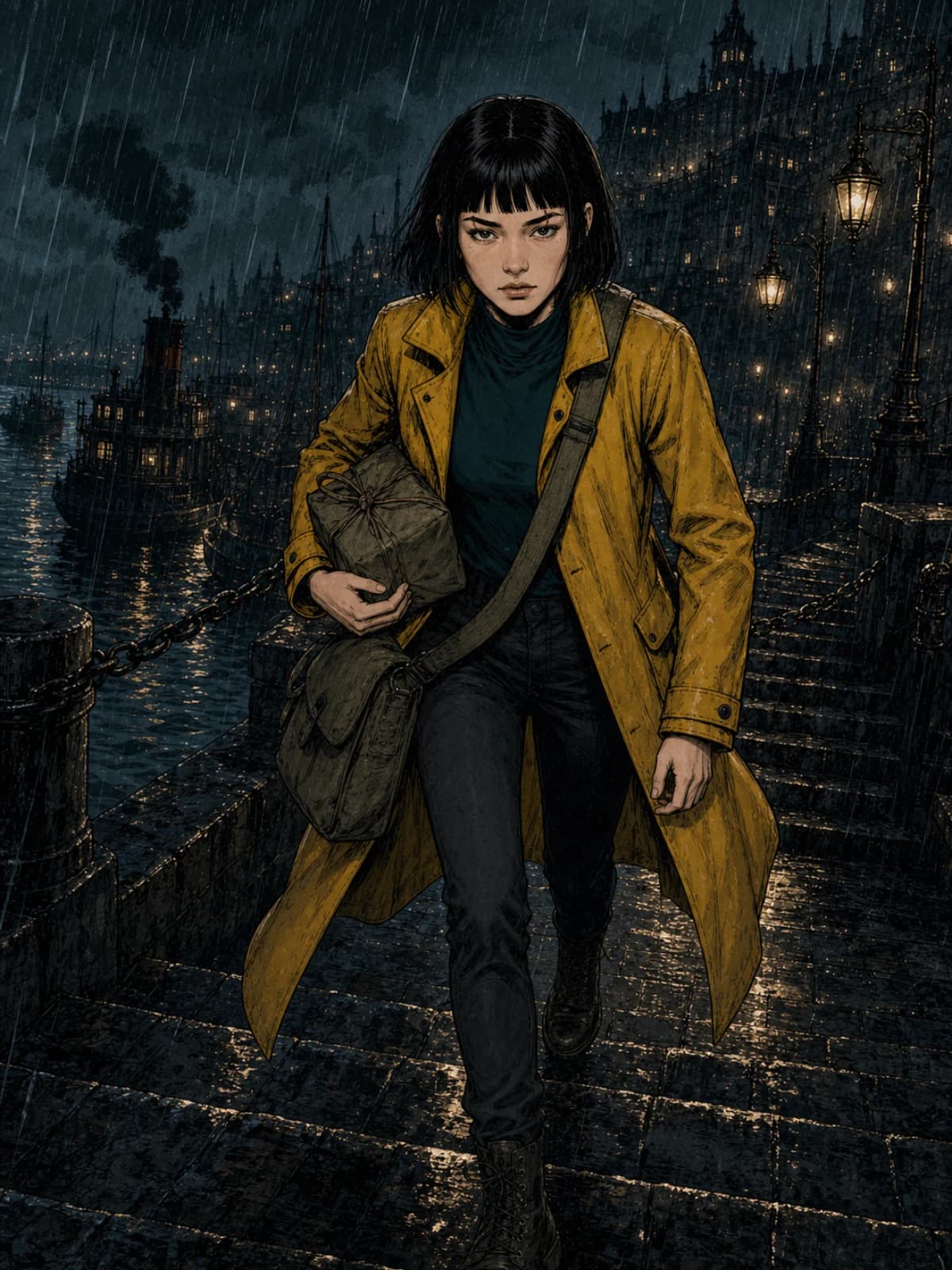
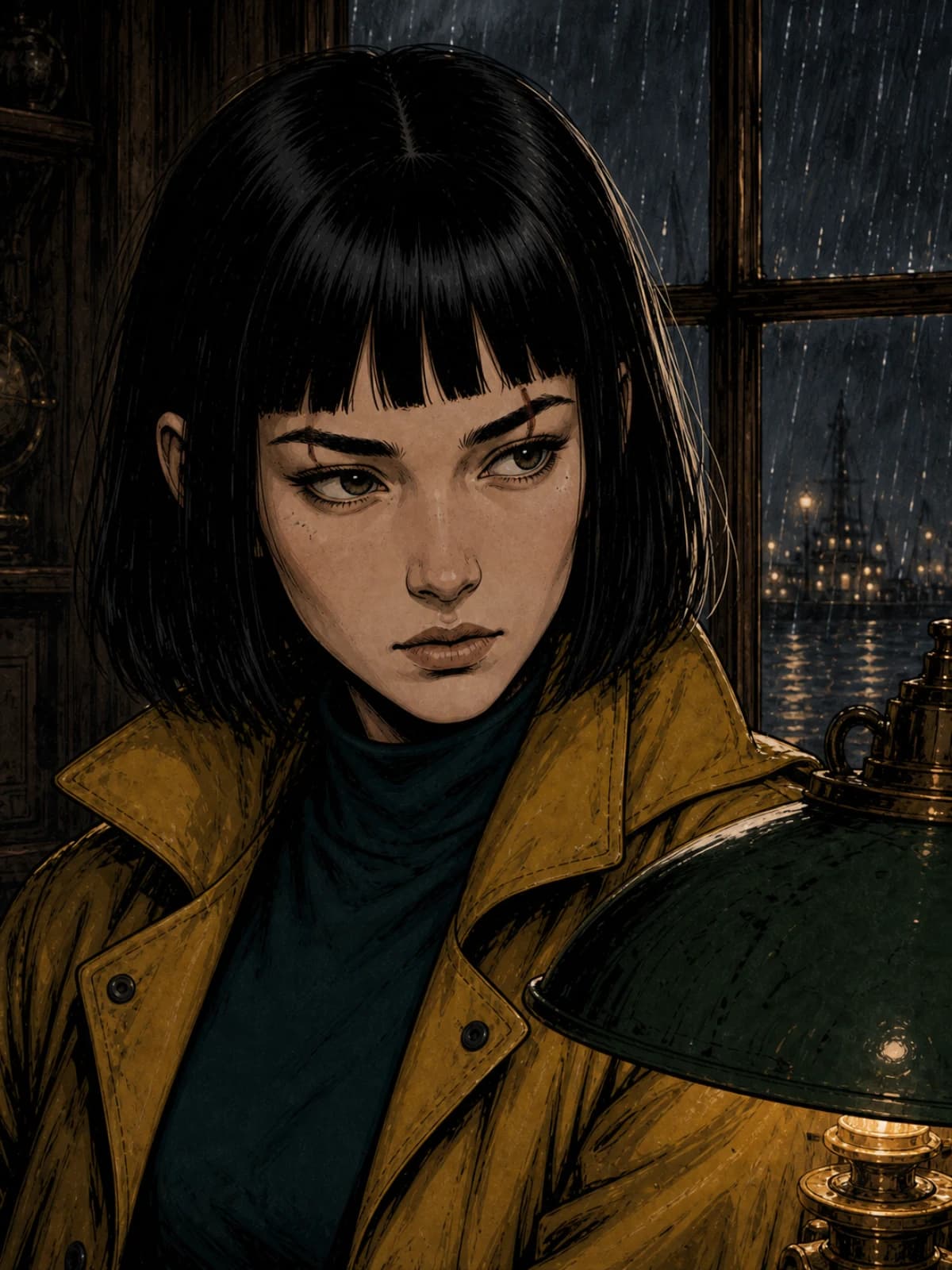
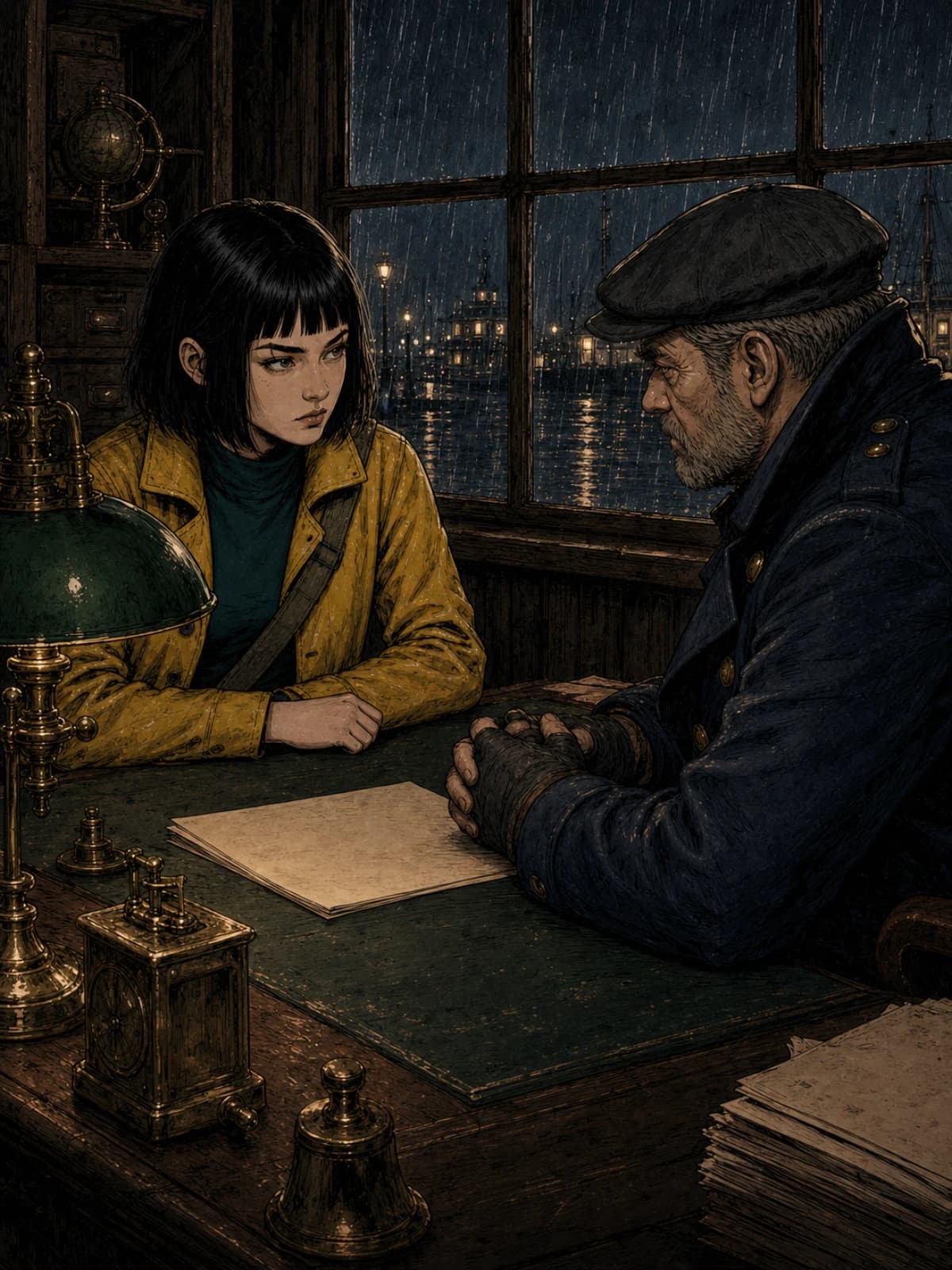
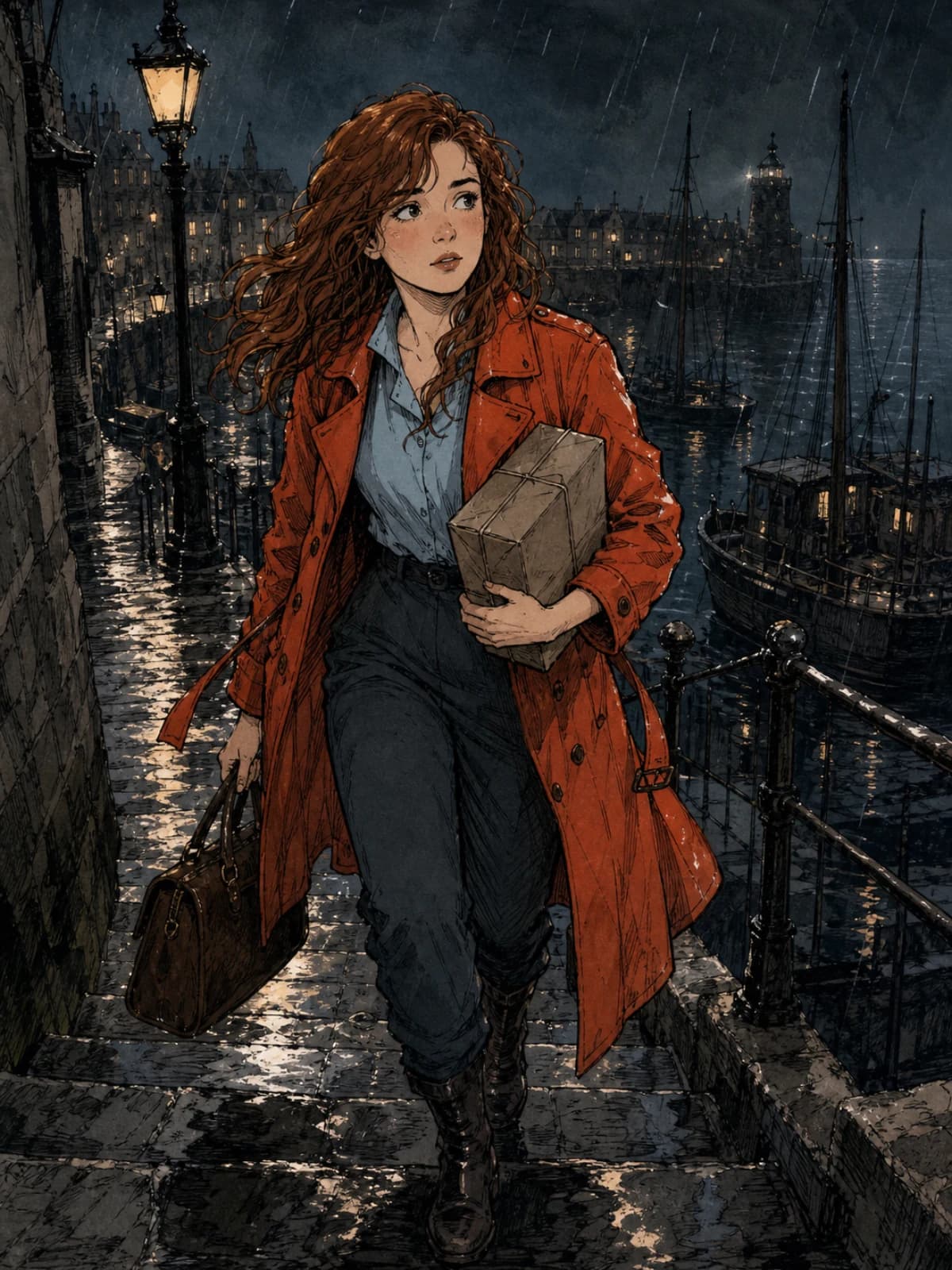
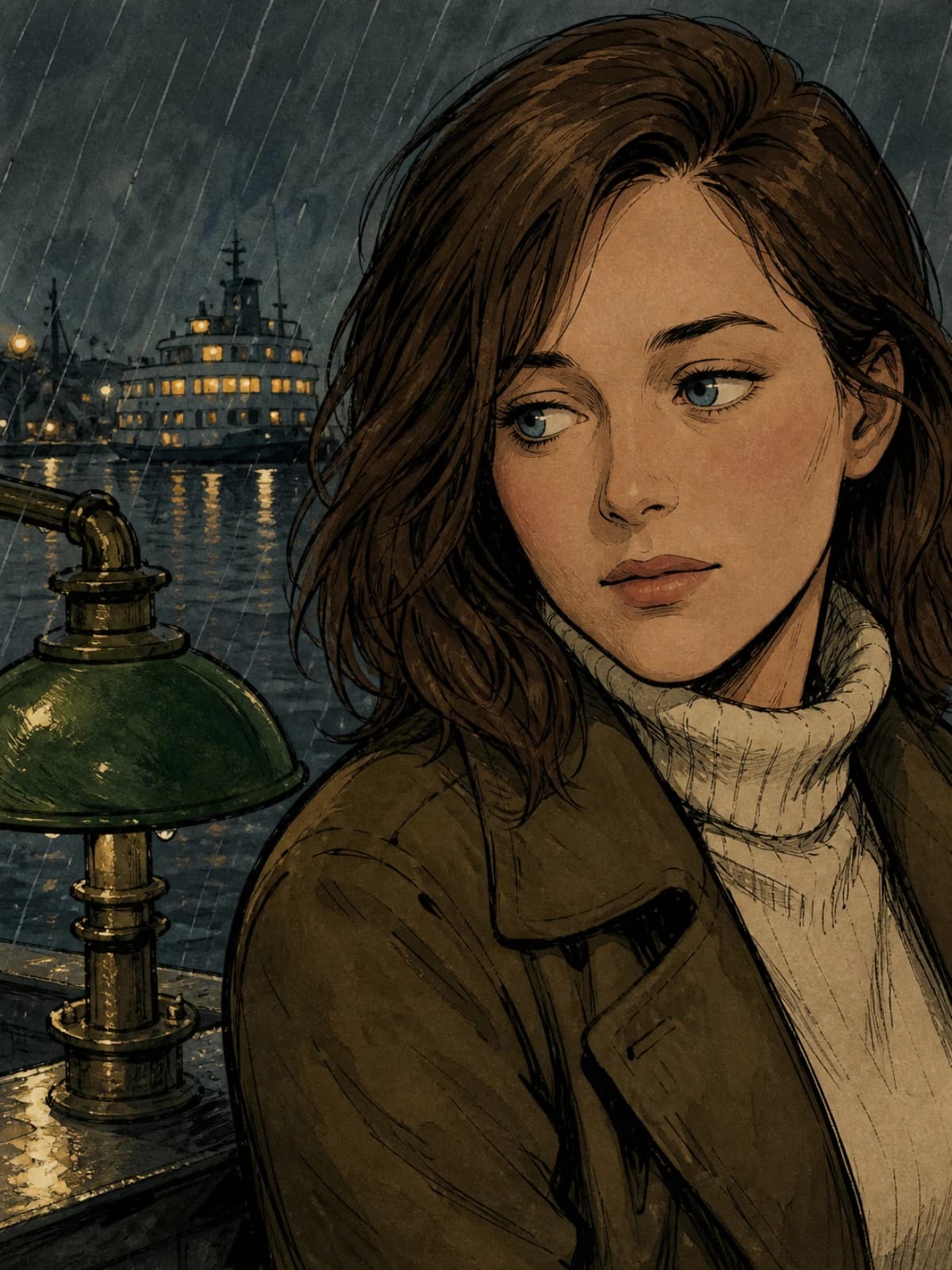
Consistency must be measured, not promised — .
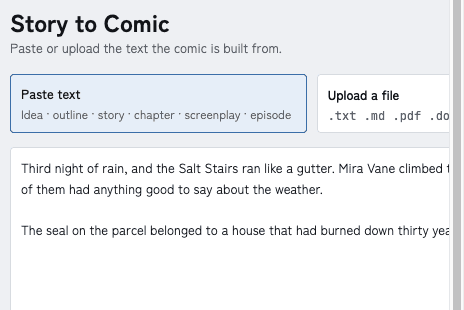
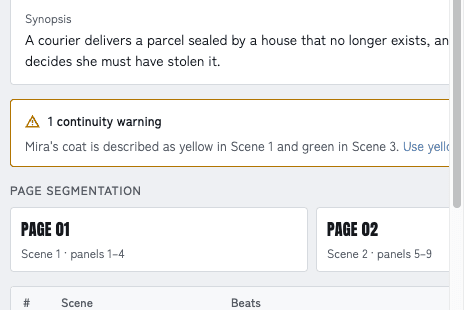
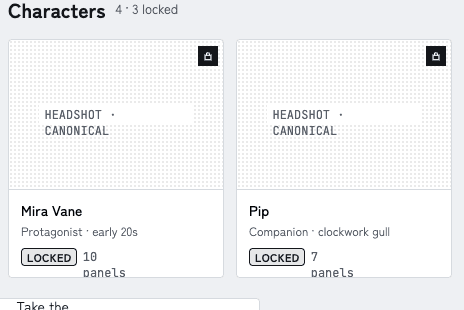
Your first page stays editable.
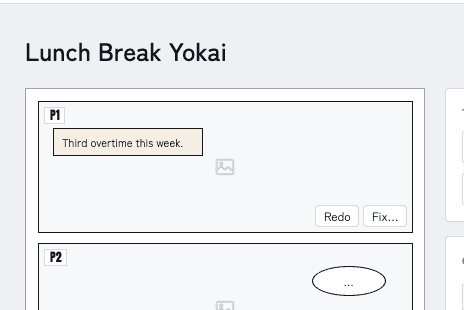
Quick Compose is how Fast Comic and Story to Comic actually generate. Instead of one flat image, ComicWave draws every panel as its own asset, at the same time, and places them into a layout it already knows. That's why a page shows up panel by panel, why one failed panel never sinks the page, why switching layouts costs nothing, and why “Open in Studio” is instant — there's nothing to convert.
Panels arrive as they finish
You're reading panel one while panel four is still drawing.
Redo one, keep eleven
A failed or wrong panel is its own job. Its siblings never move.
Studio is a door, not a conversion
Panels are already separate objects, so opening the editor is instant and free.
What you actually get
A cast built from approved references.
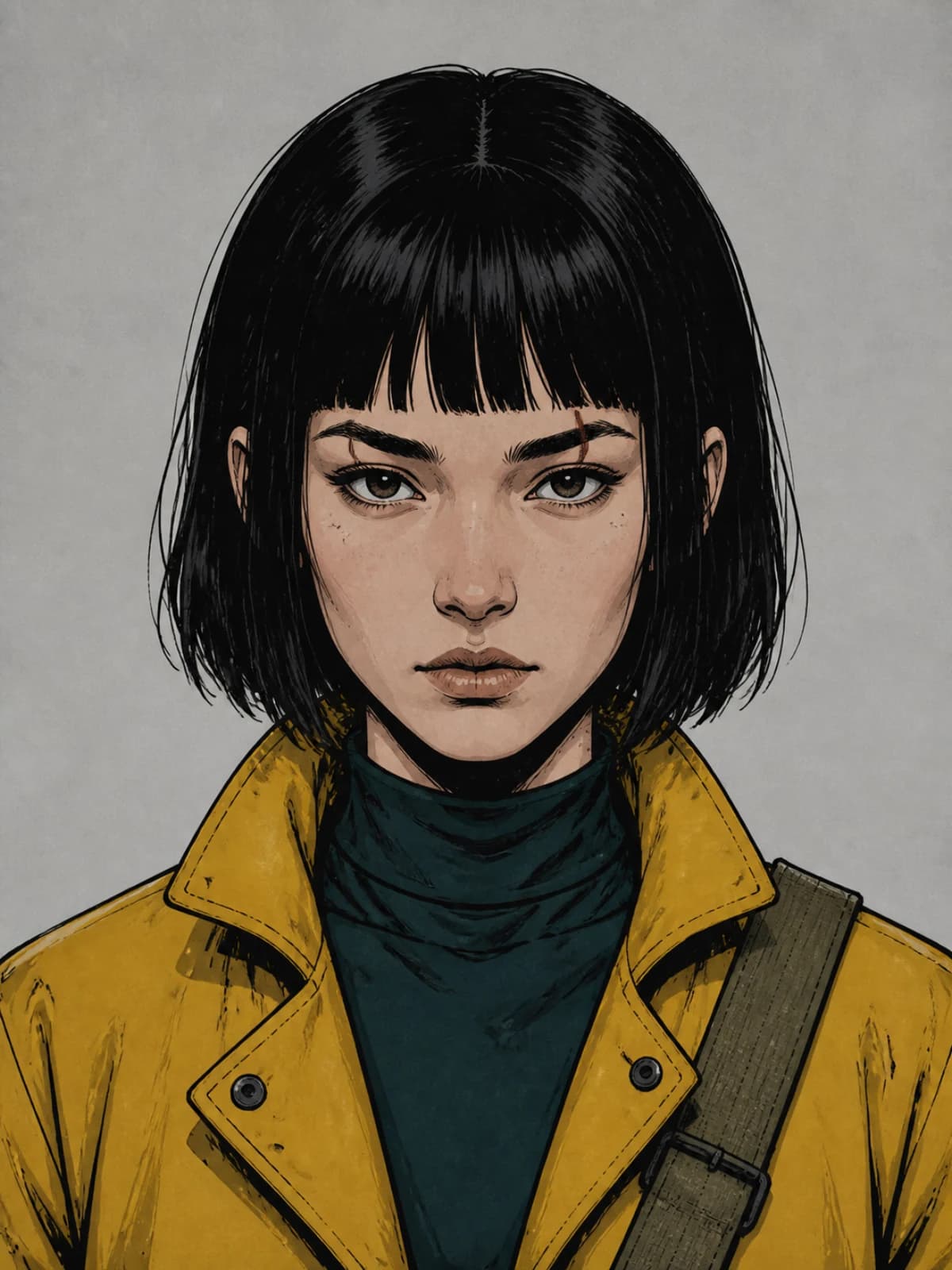
Every character gets a sheet — headshot, full body, profile, expressions, poses — that you approve and lock. Give it outfits. Mark which reference photos are authoritative and which are inspiration. Relevant panel jobs receive those labeled references; generated results remain yours to review.
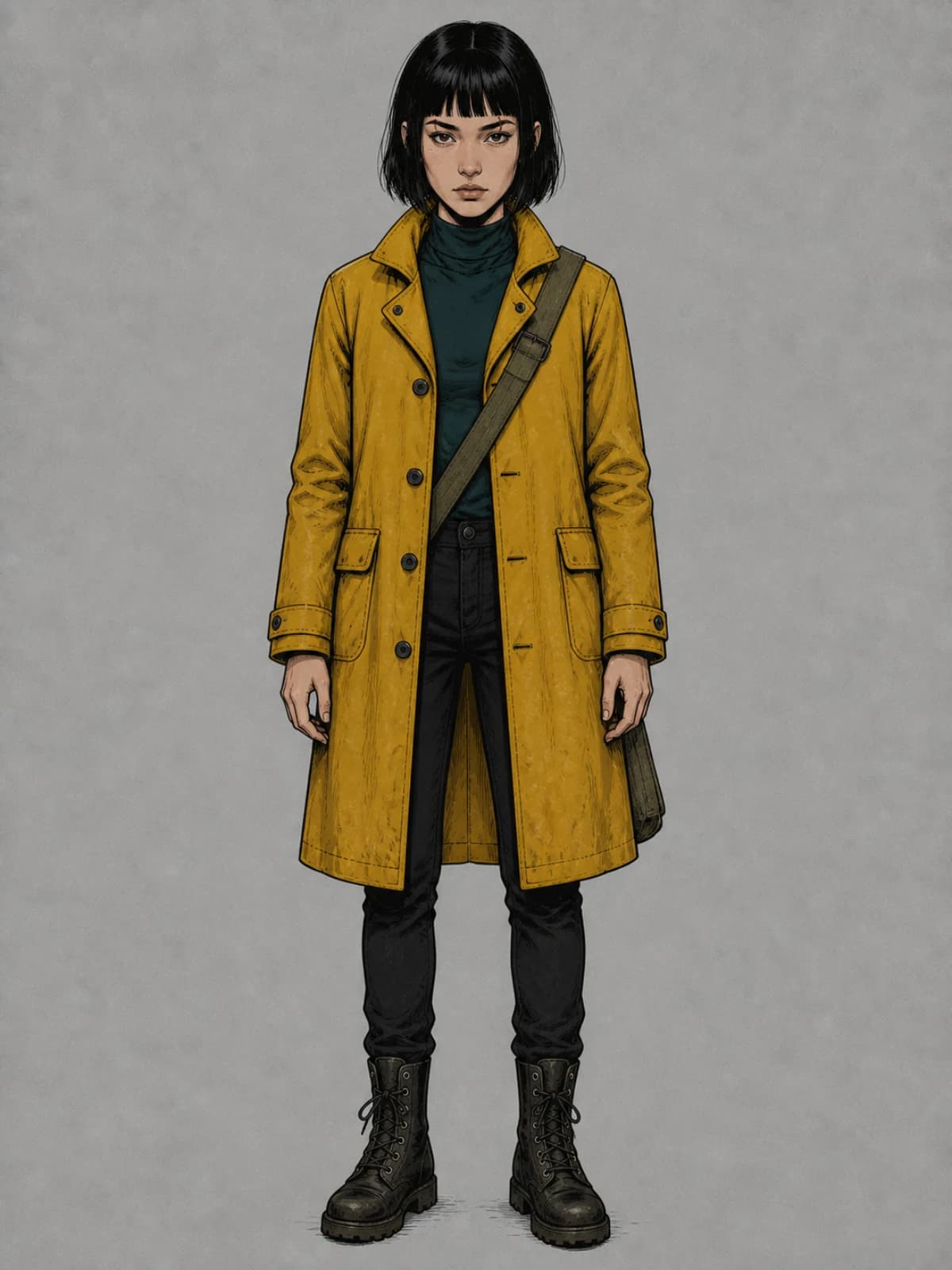
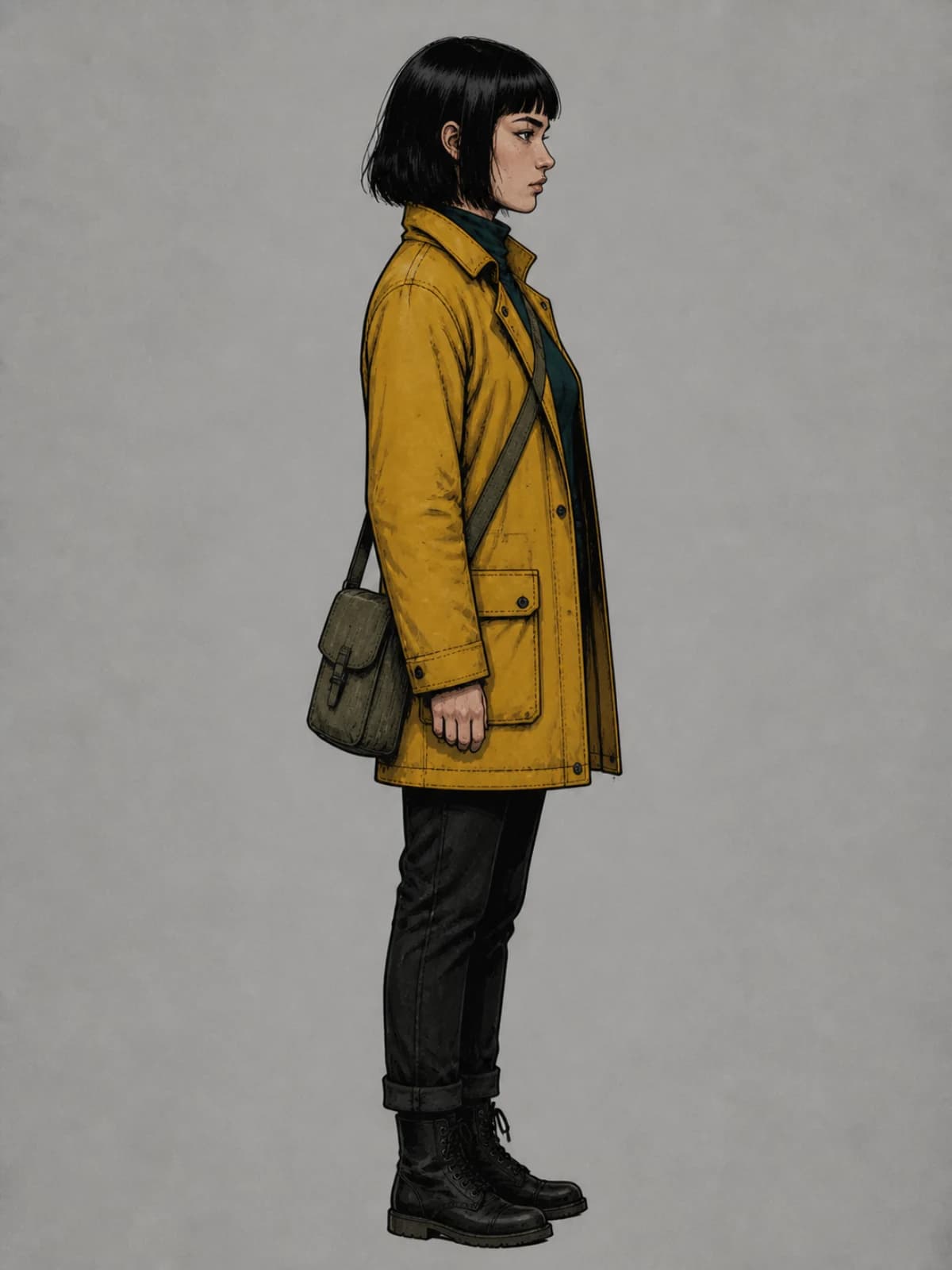
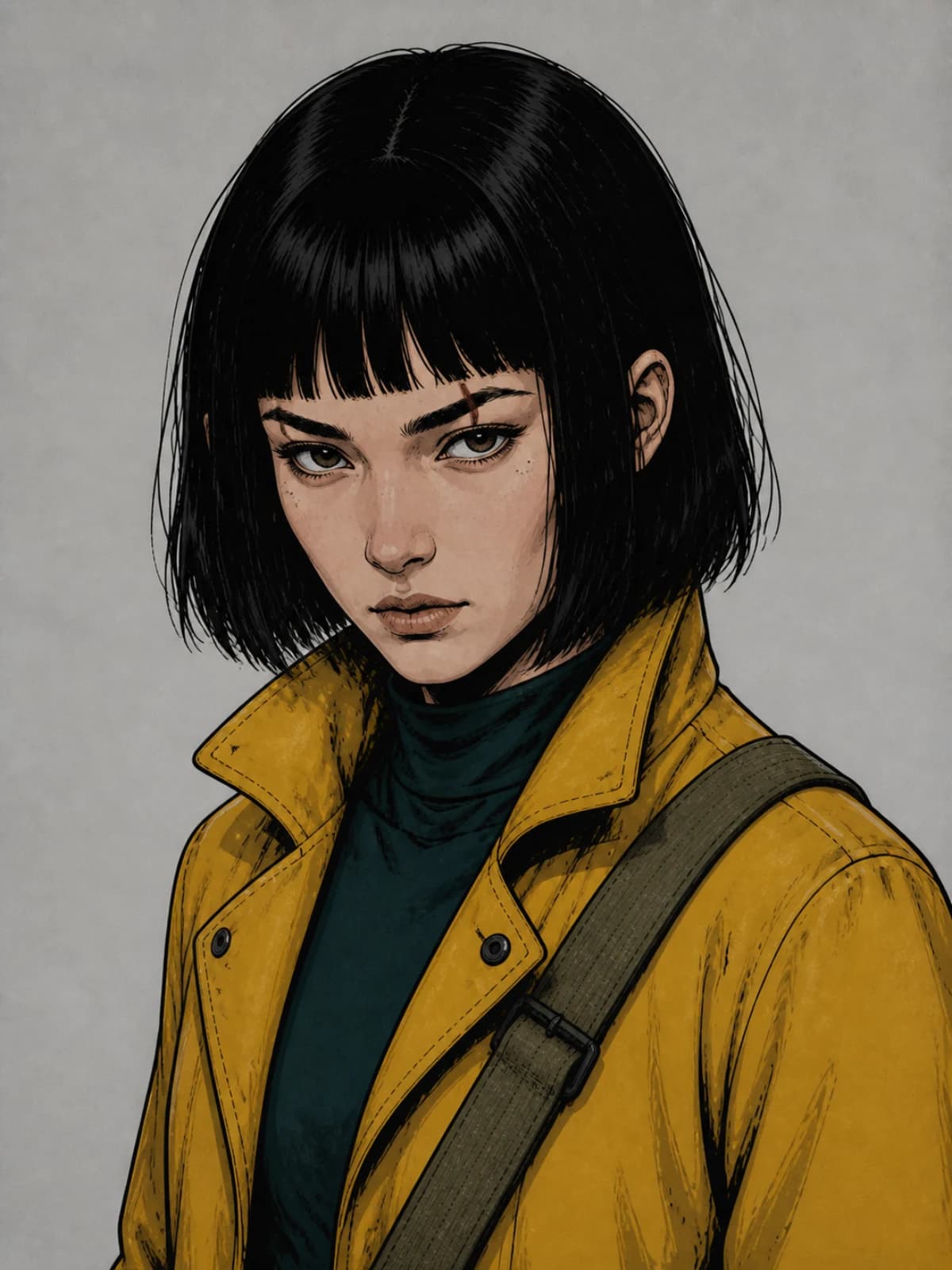
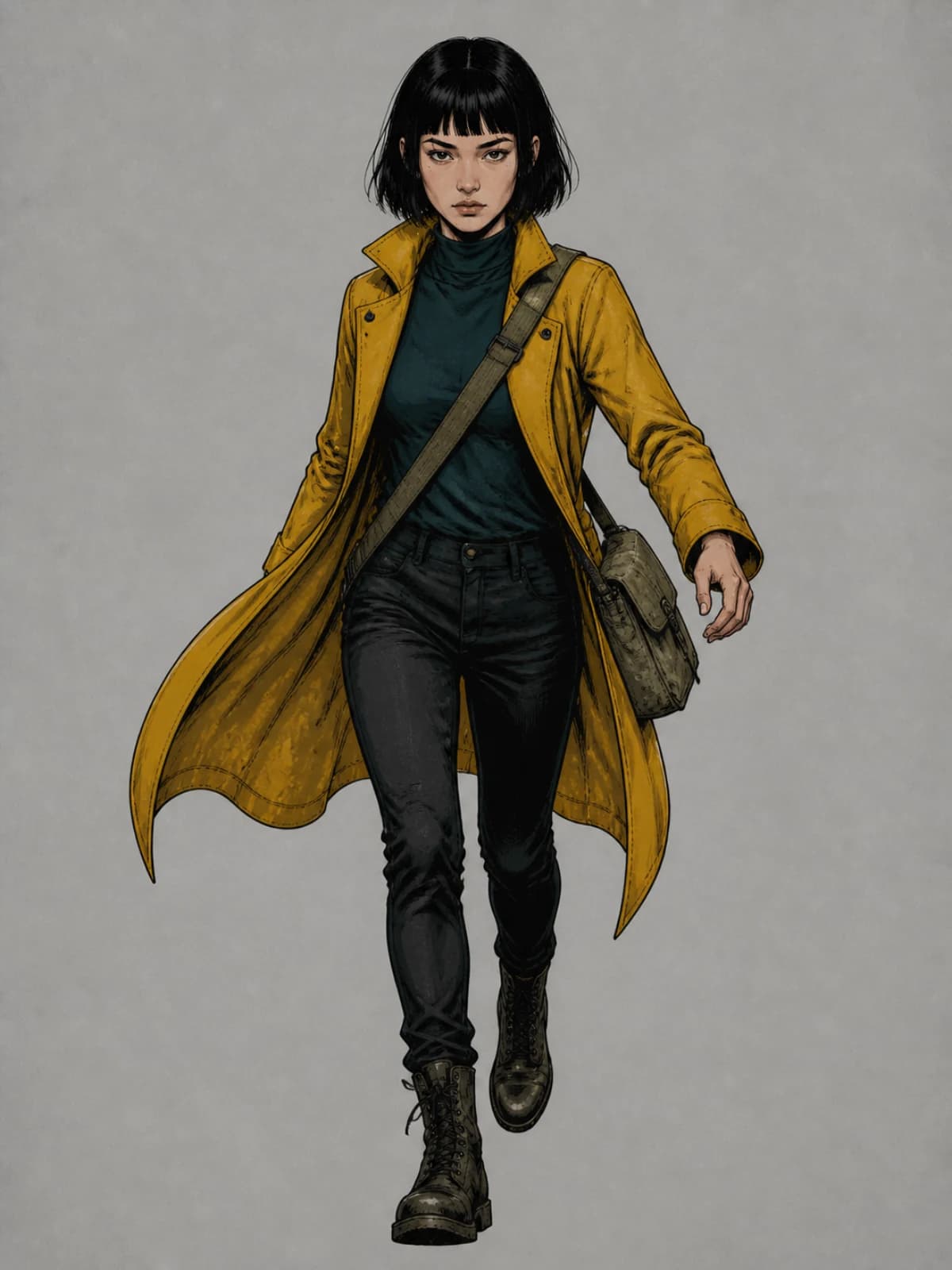
Visual Continuity Lock.
Not one trick — five layers: structured scene state (who's where, wearing what, holding what), role-labelled references, accepted panels reused as references, a correction memory built from your rejections, and retrieval for long series. You see the state and the rules; you can turn any rule off.
A plan you can argue with.
Synopsis, beats, scenes, page map, storyboard — all editable. Split a scene, move a page break, rewrite a line, regenerate one panel spec. Approved parts stay put.
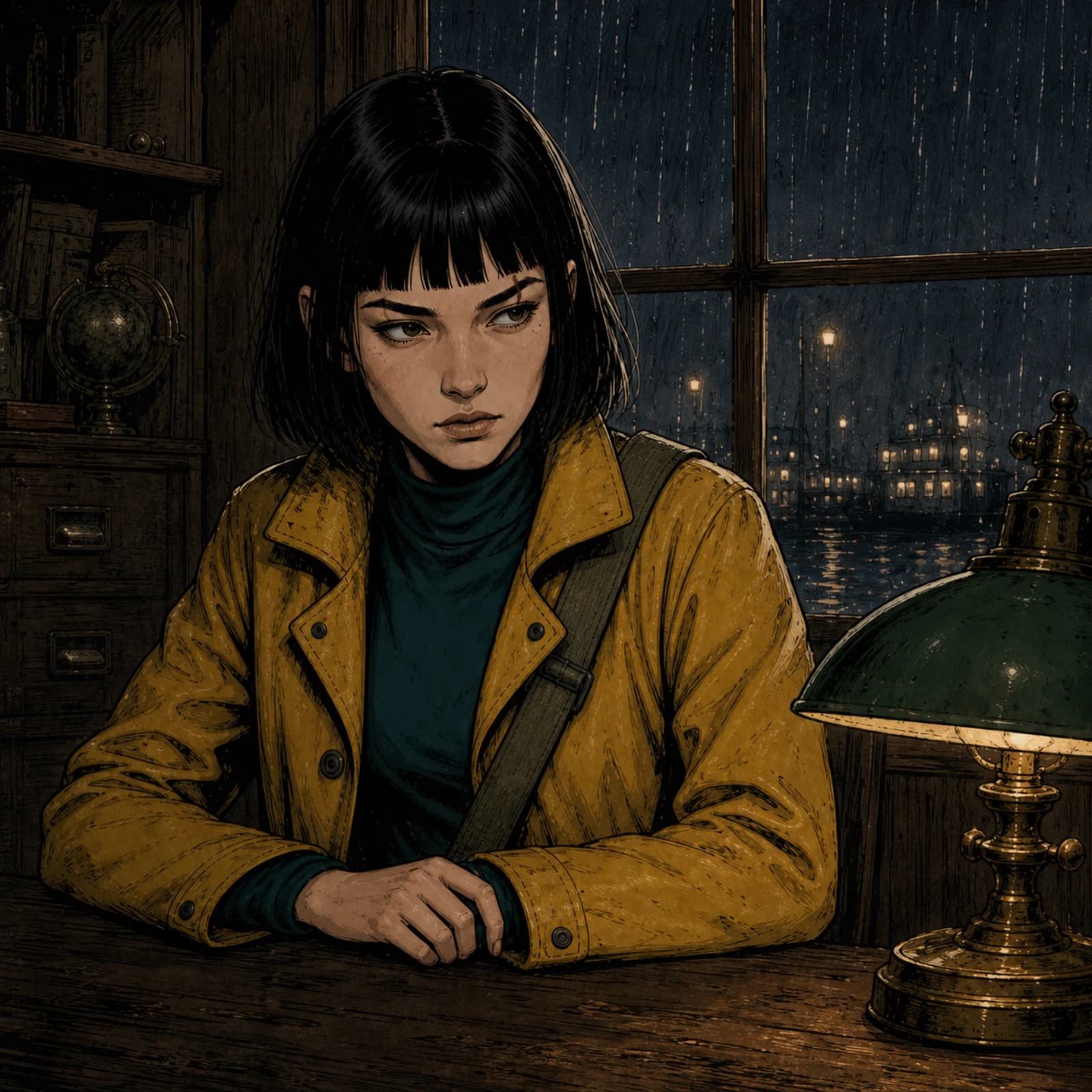
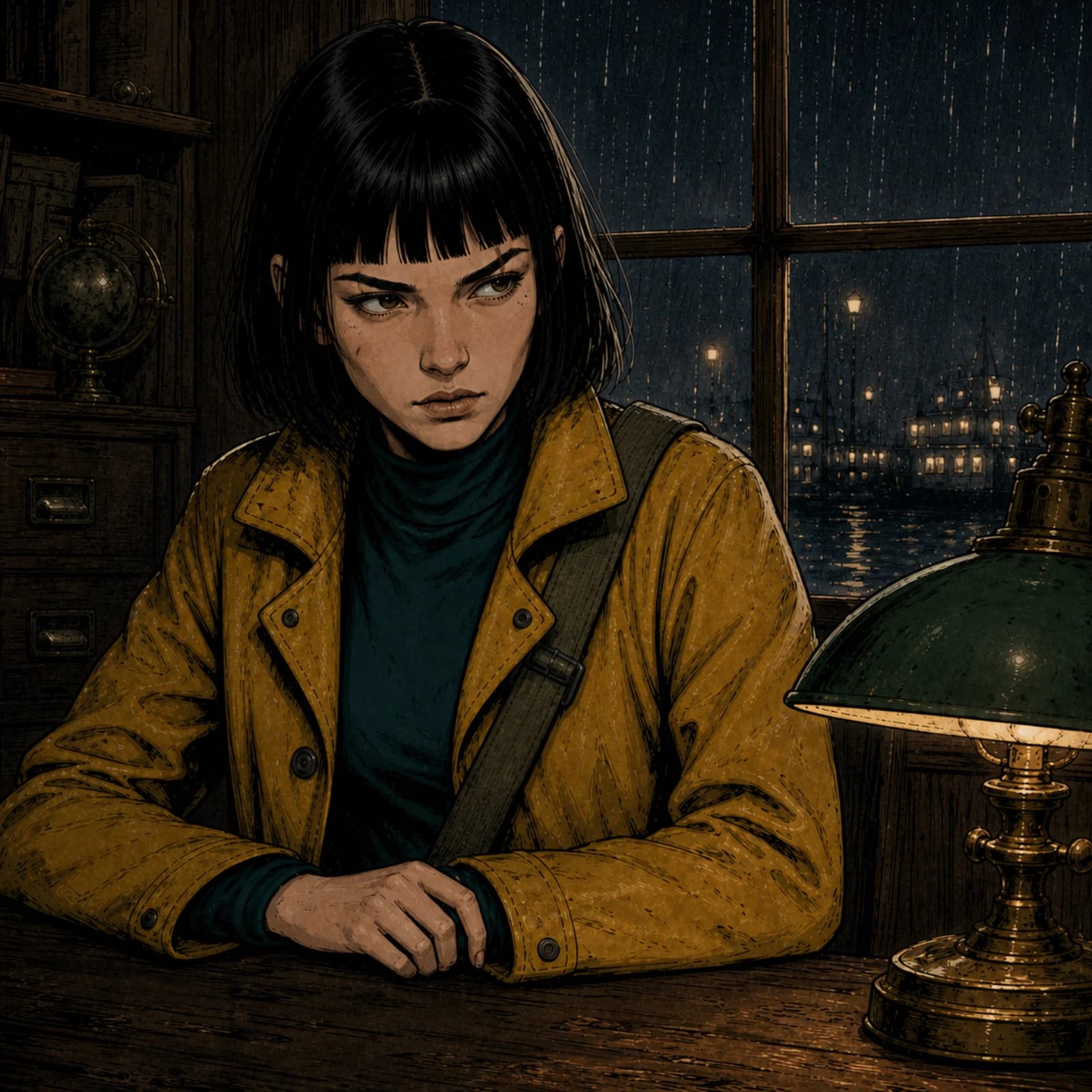
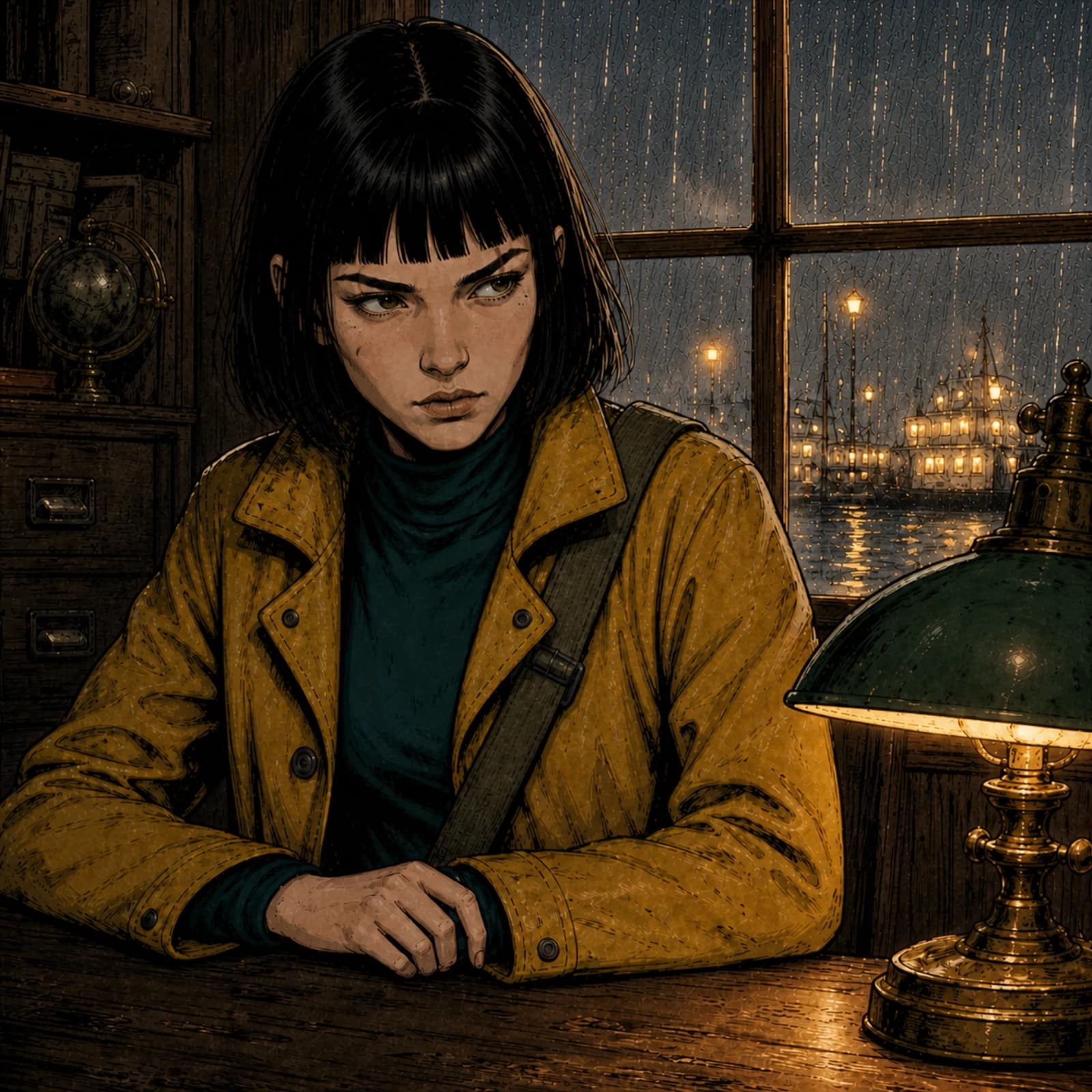
Fix one panel without touching eleven.
Every action makes a new version and keeps the old one. Variation (new take), Revise (change one thing, keep the rest), Repair (paint a mask — everything outside stays pixel-for-pixel), Restyle, Reframe (crop free; expand or recompose when you need more), Replace Character, Change or Remove Background, Upscale. Compare, accept, or go back.
Bubbles are real text.
Dialogue never gets baked into pixels. Speech, thought, whisper, shout — 40+ bubble styles, tails you drag to the speaker, captions, narration, SFX. Auto-fit warns before it overflows. Change a line for free, forever.
Lettering that speaks your language.
Launch supports editable horizontal lettering with Latin and CJK font fallback checks. Automatic vertical writing, furigana and right-to-left reading order remain roadmap work.
Comic Copilot, with a preview first.
Type “shorten all dialogue on this page” or “keep Mira's yellow coat in every panel.” Copilot shows you exactly what will change and what it costs before it touches anything.
Made for where it's going.
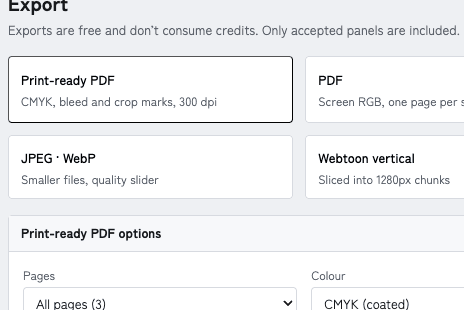
Protected webtoon cuts avoid known bubble and panel bounds when possible and flag unavoidable cuts for review. High-resolution sRGB raster PDF supports document bleed and crop marks, alongside carousel, PNG, JPEG and WebP exports.
Credits you can see.
Every generation shows its cost before you click. Credits are reserved when a job starts, settled when it finishes, and released if it fails. Draft, Standard and Final quality tiers so you don't pay final prices for sketches.
Yours, and private.
Projects are private by default. We don't train on your work. Commercial-use terms remain subject to counsel review before paid launch. Original characters are encouraged, with a published content policy and reporting process.
You keep the pen.
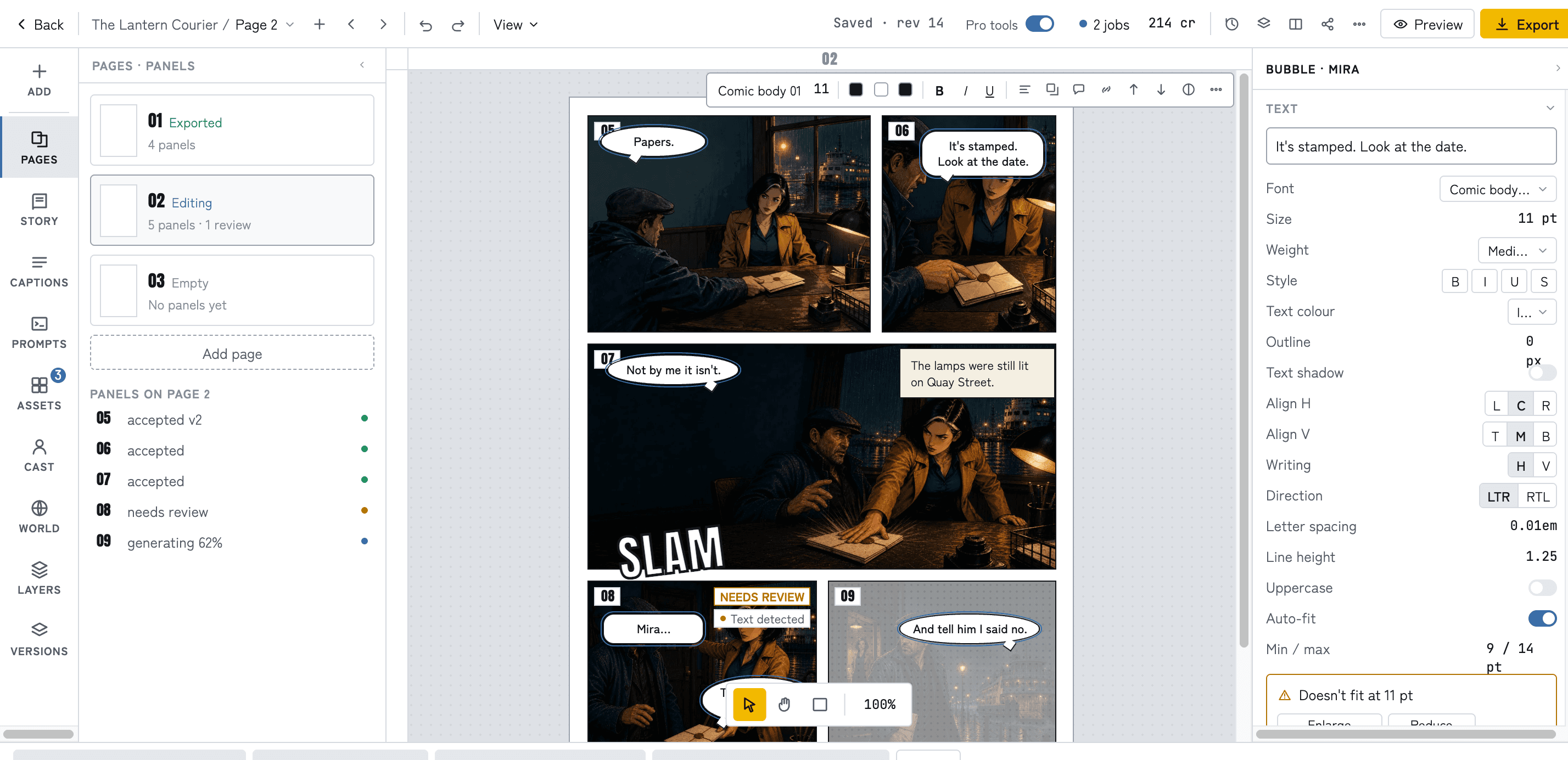
Studio is a real page editor: pages and scrolls, panels with gutters and borders, layers, undo, keyboard shortcuts. A left rail for pages, story, captions, prompts, assets, characters, world, layers and versions. An inspector that changes with what you select. A floating toolbar for the common stuff. And the Copilot bar underneath. It's closer to a focused Clip Studio than to an image generator.
Six formats, one project.
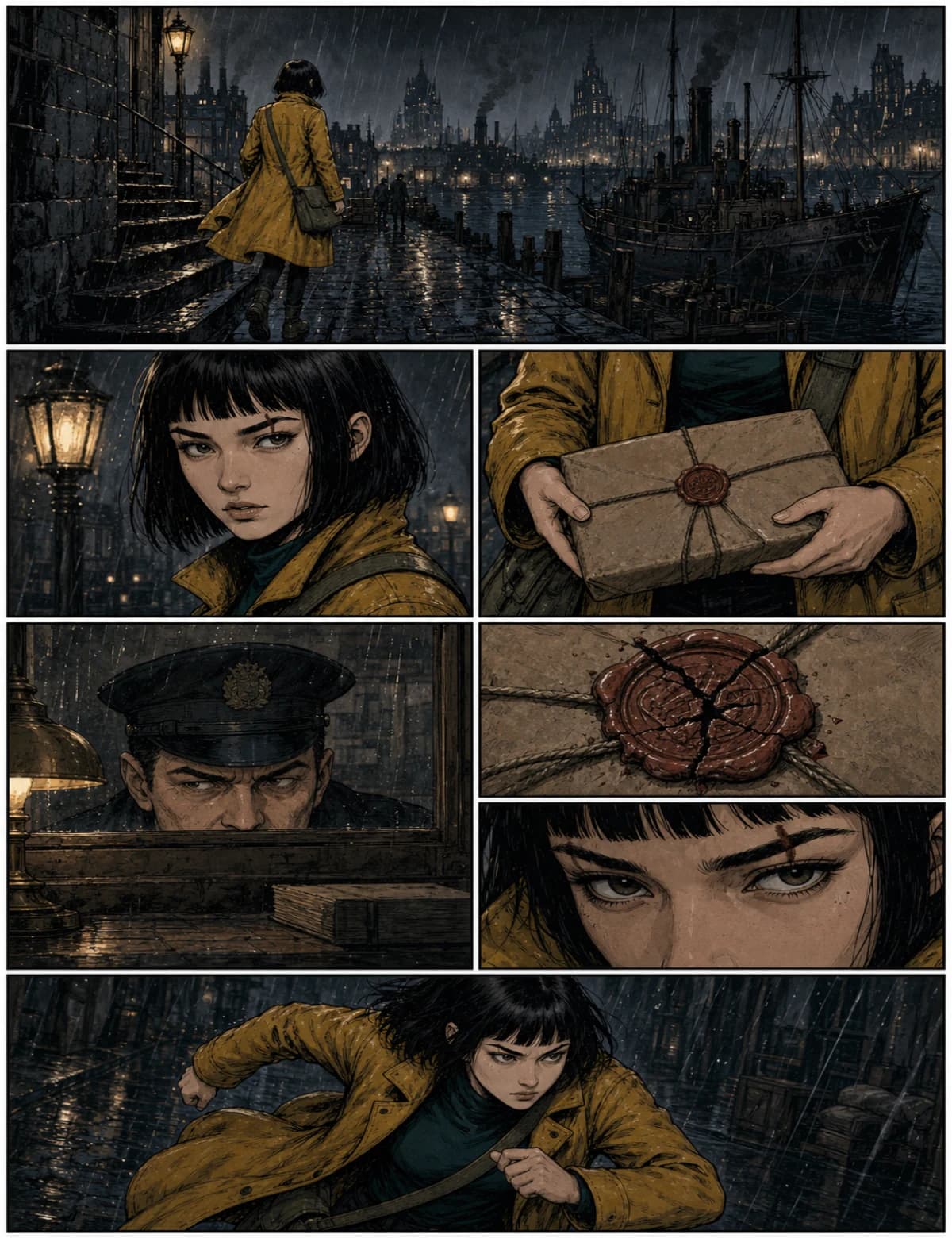
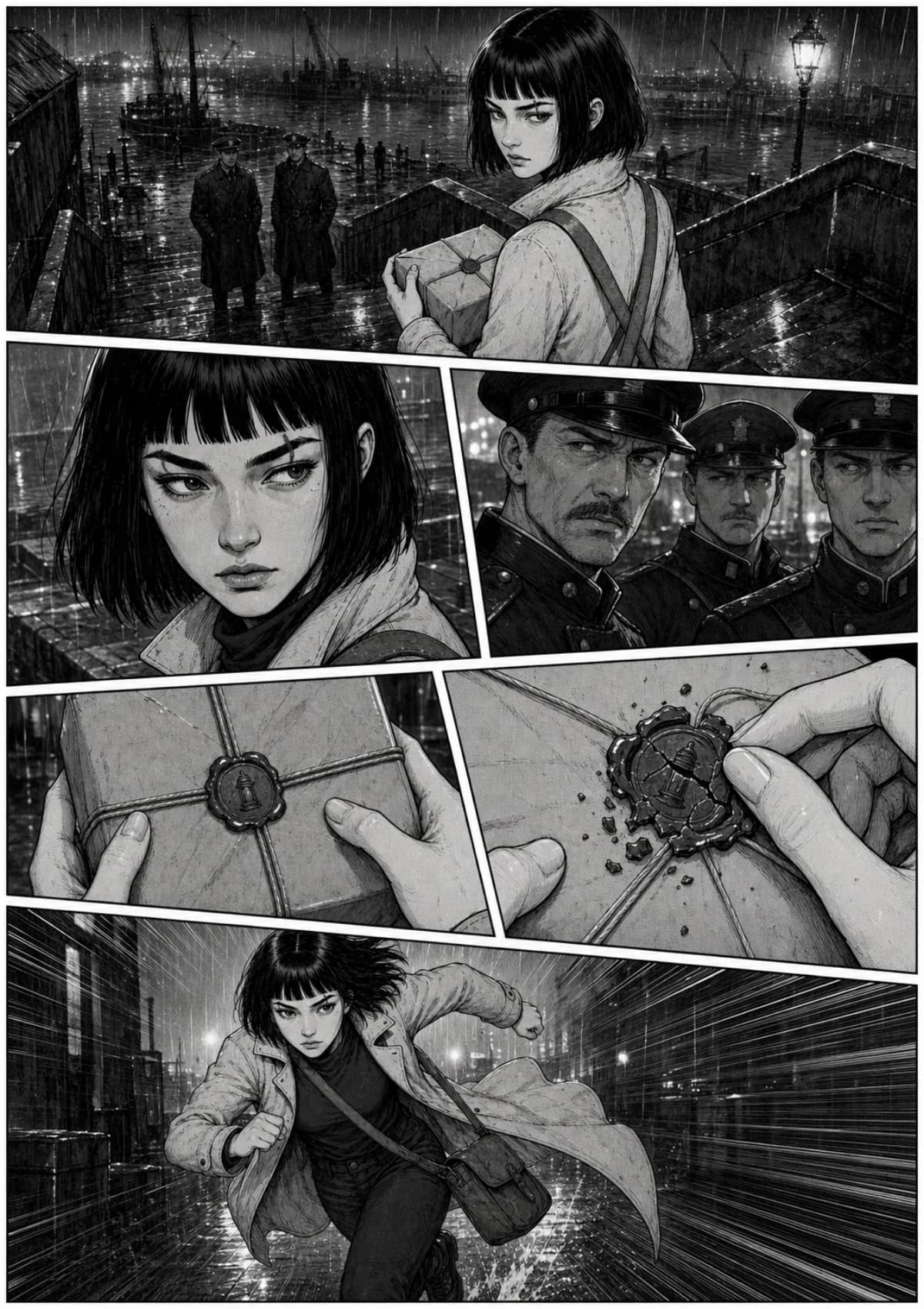
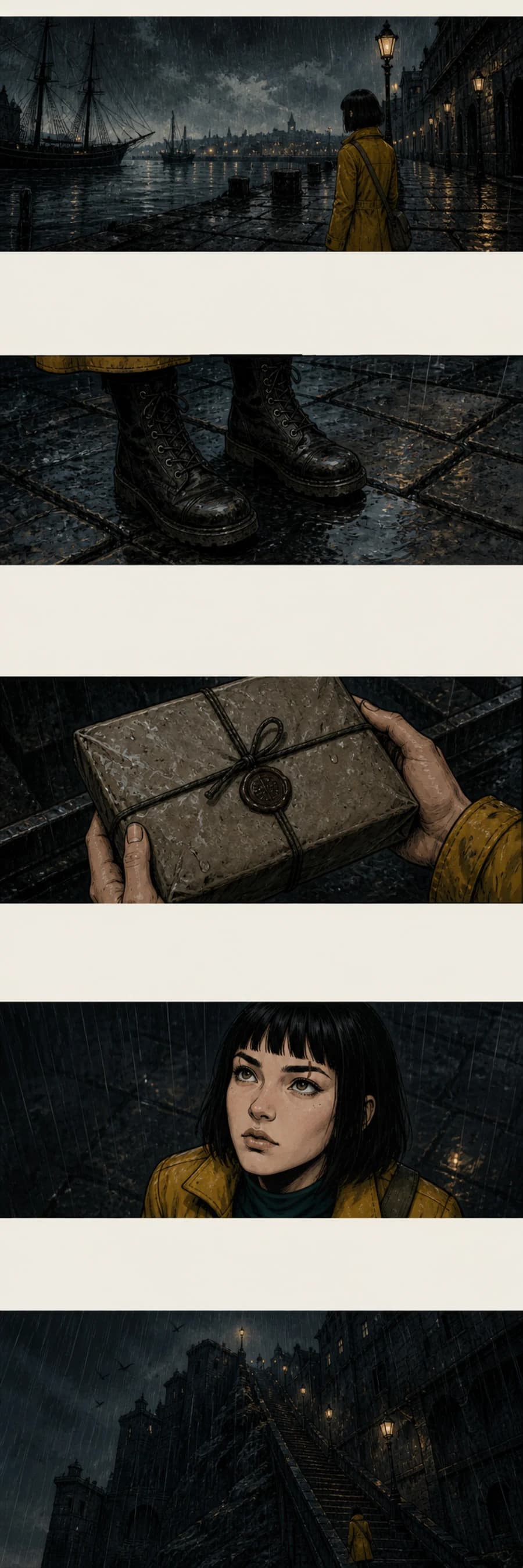
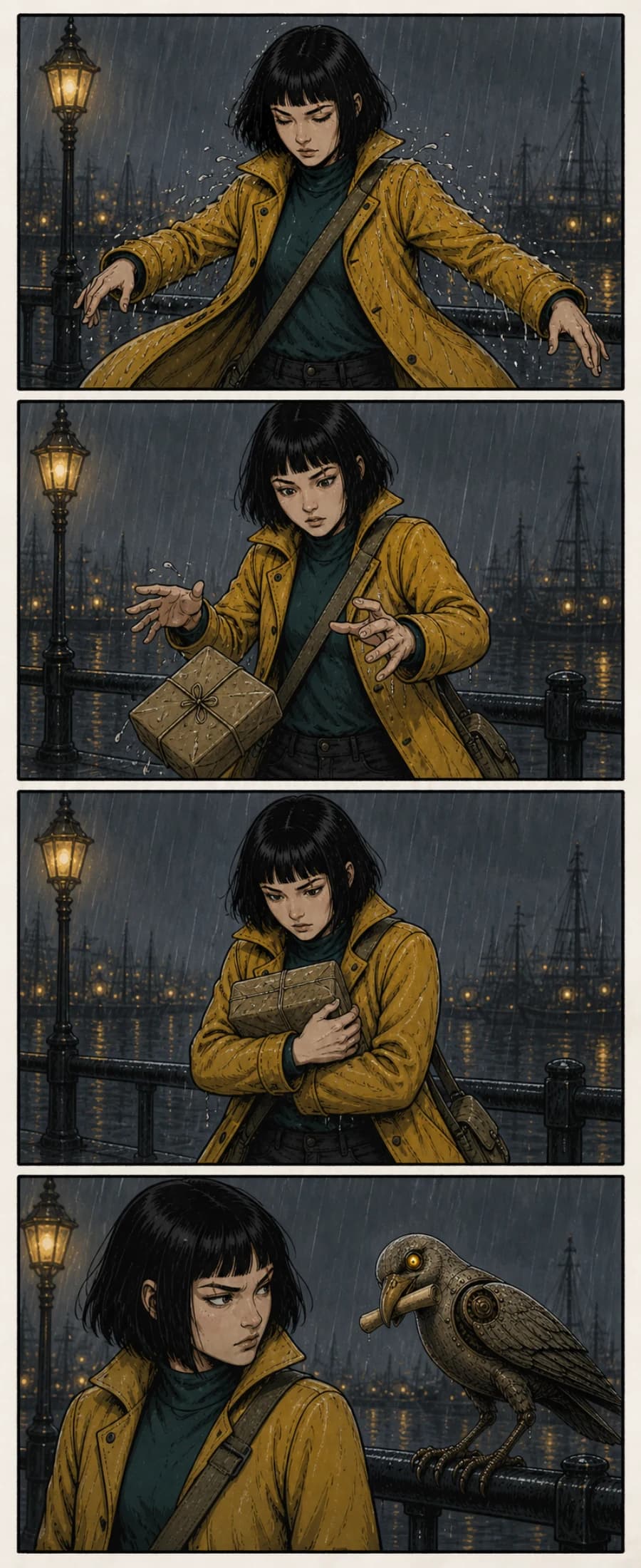
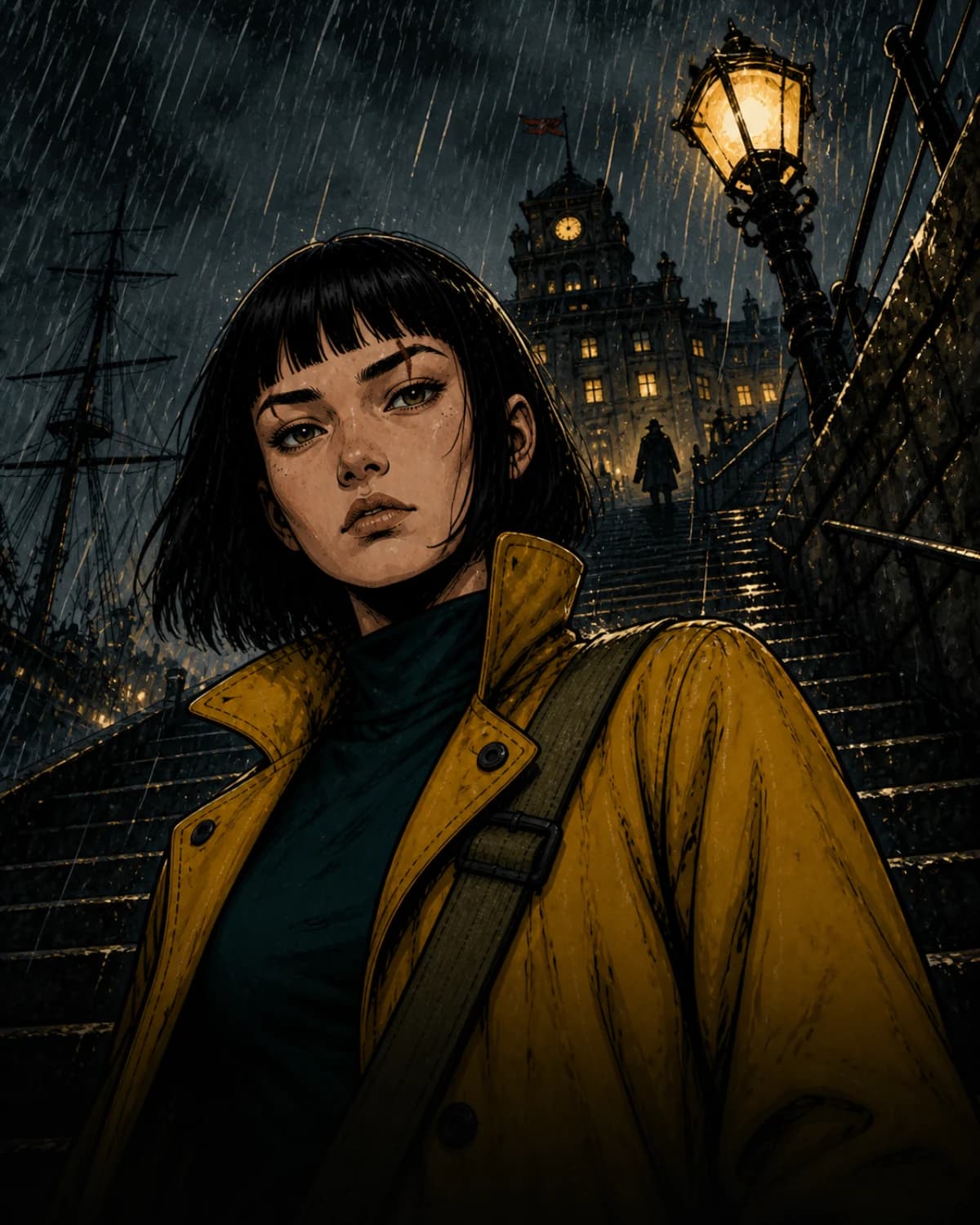
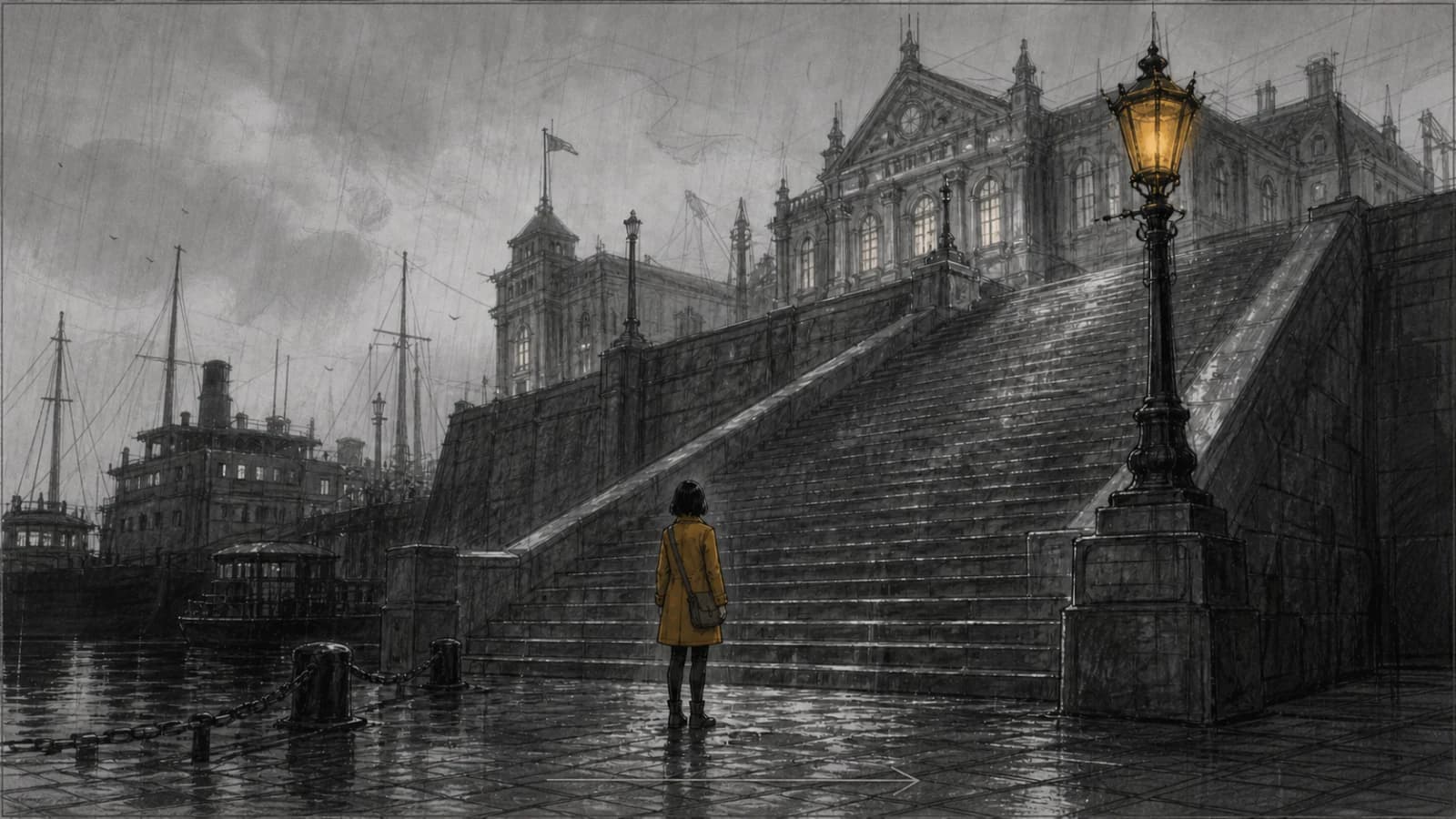
Made with ComicWave
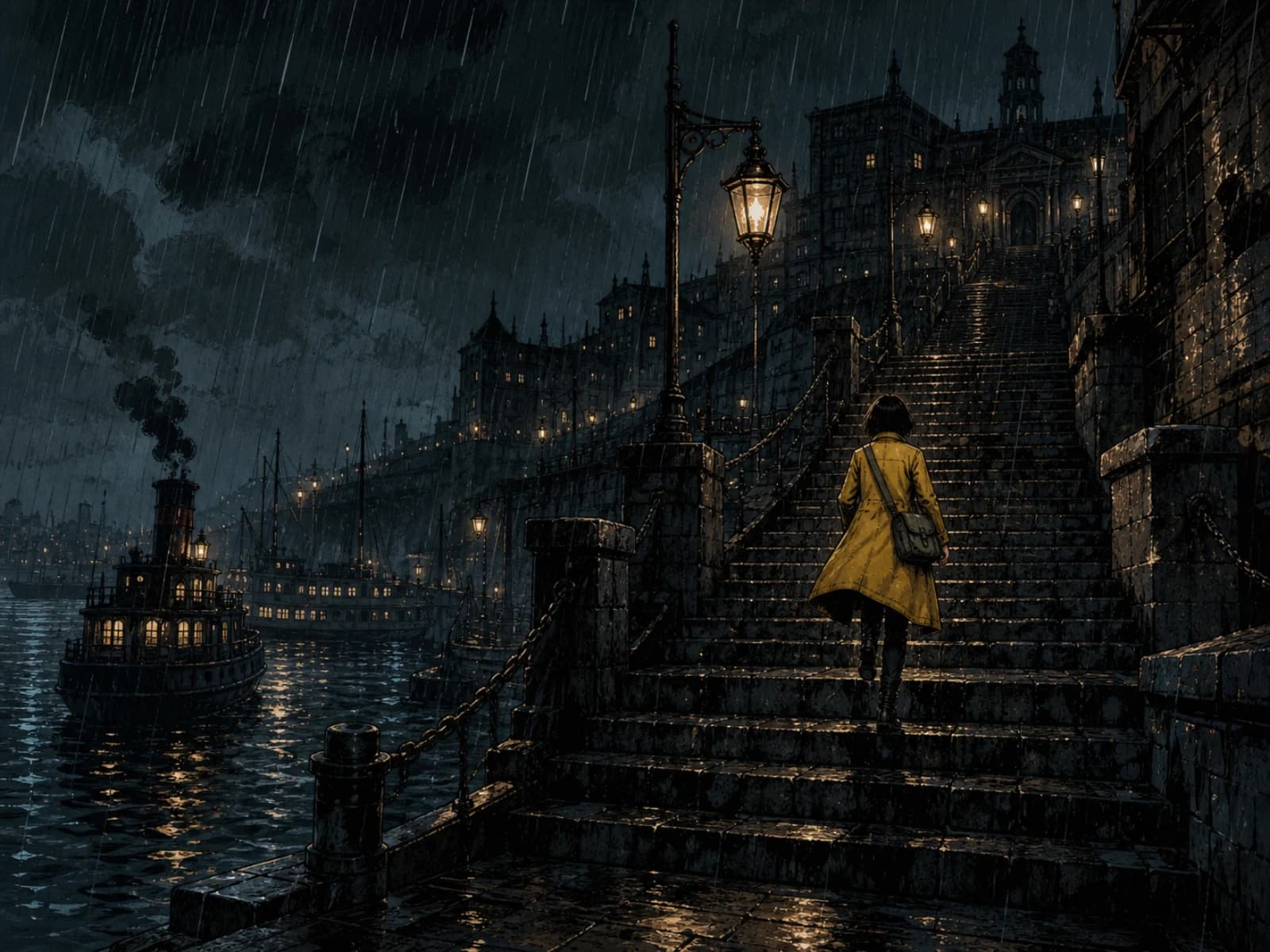
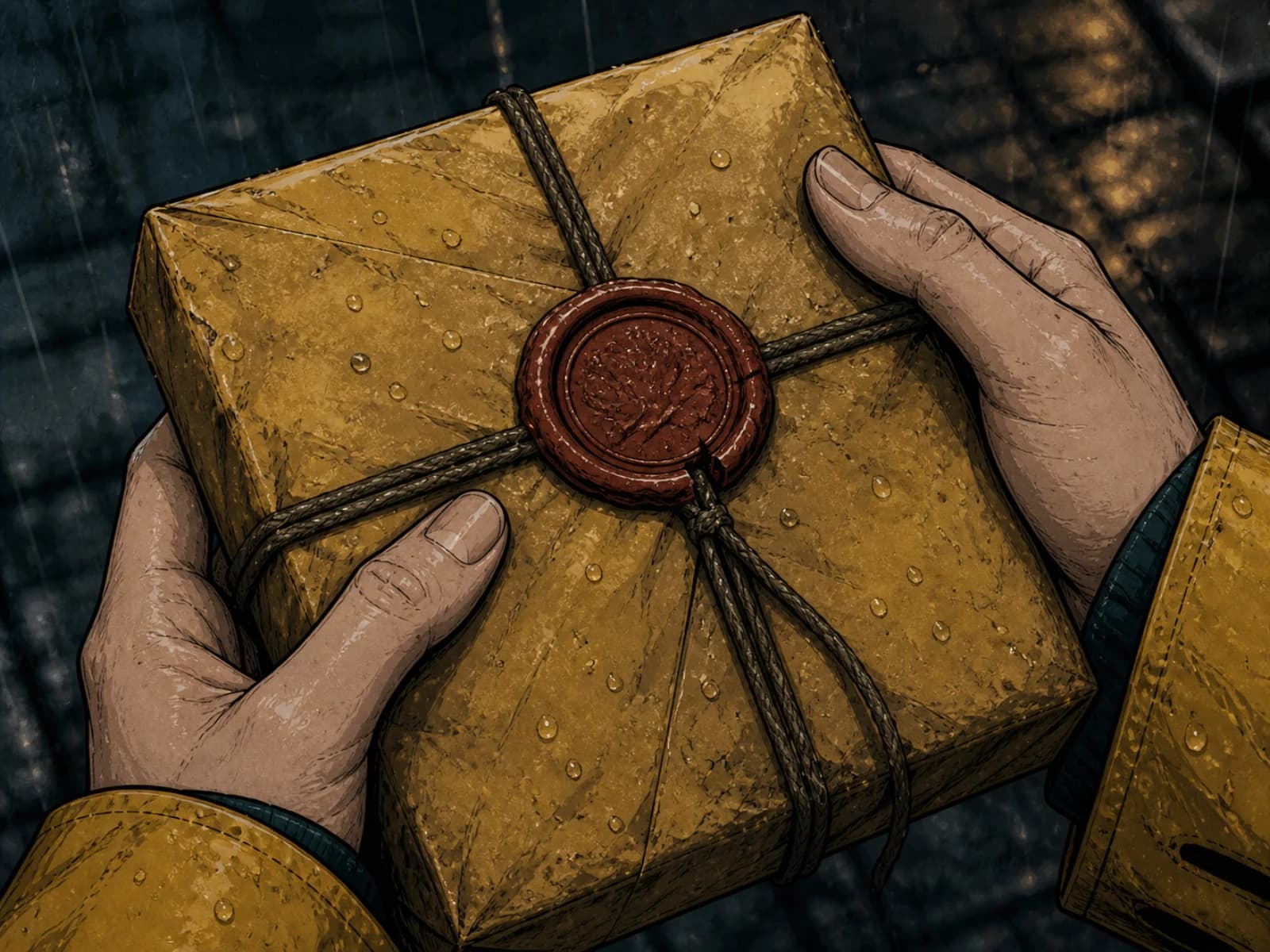
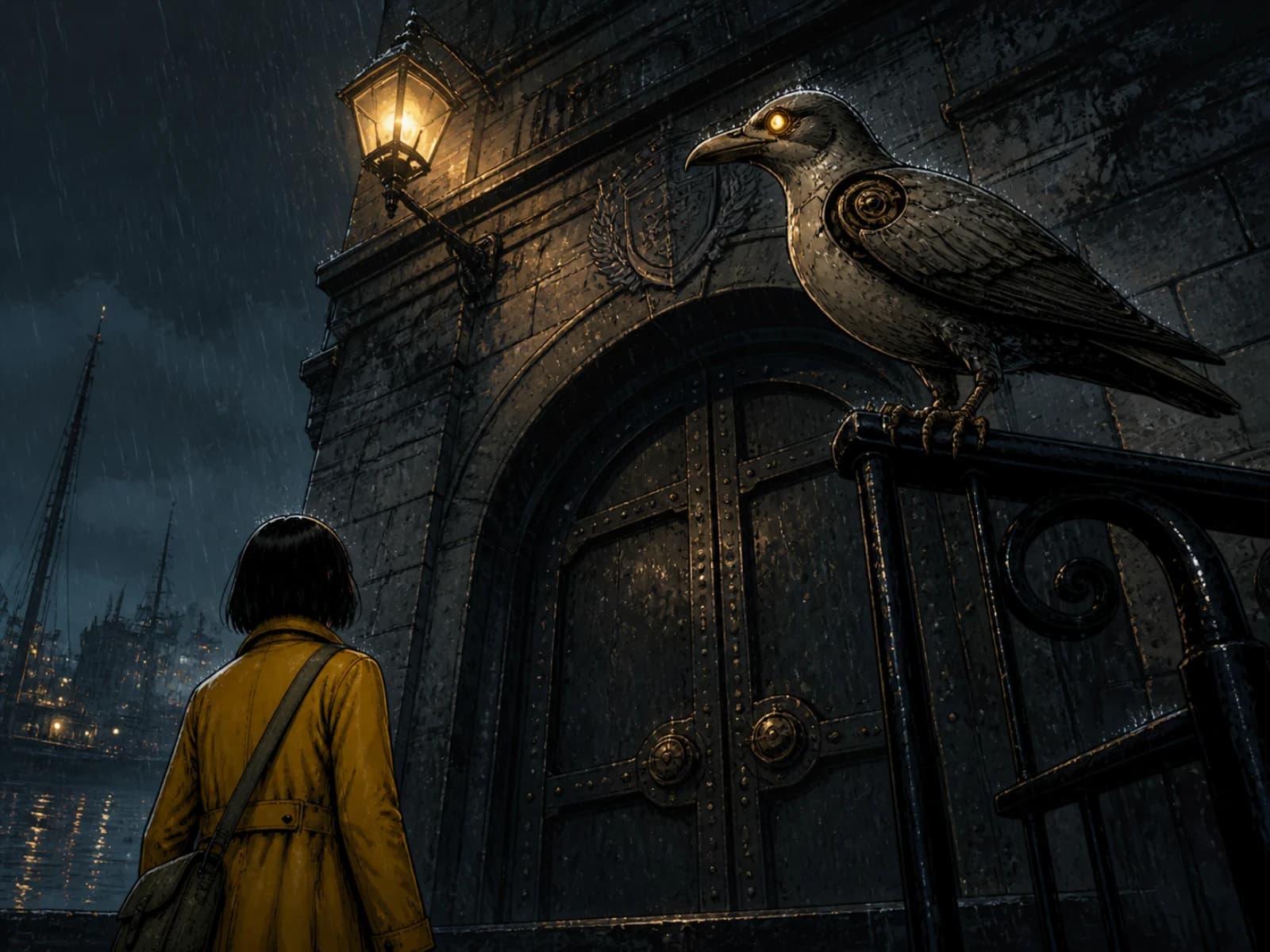
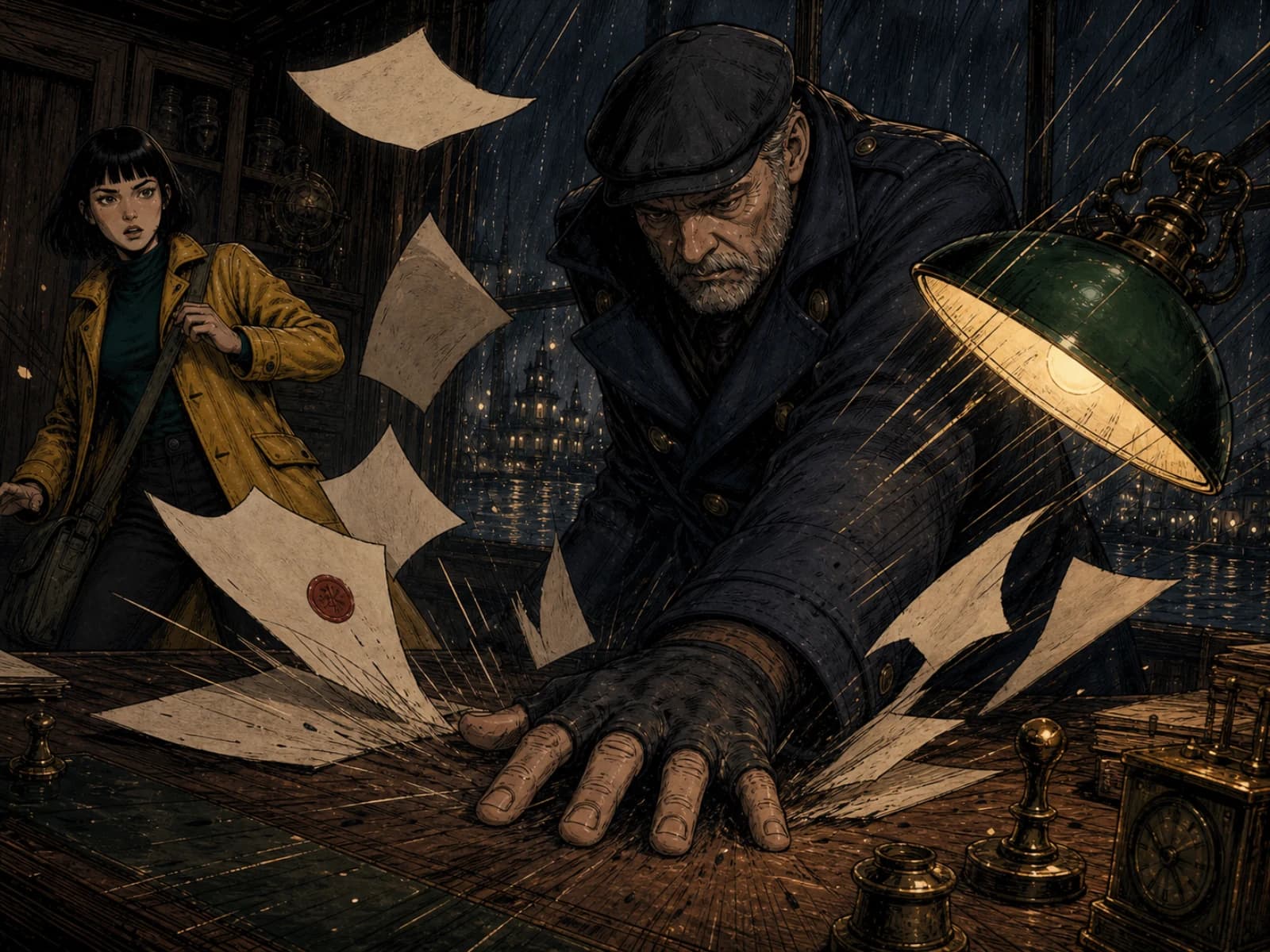
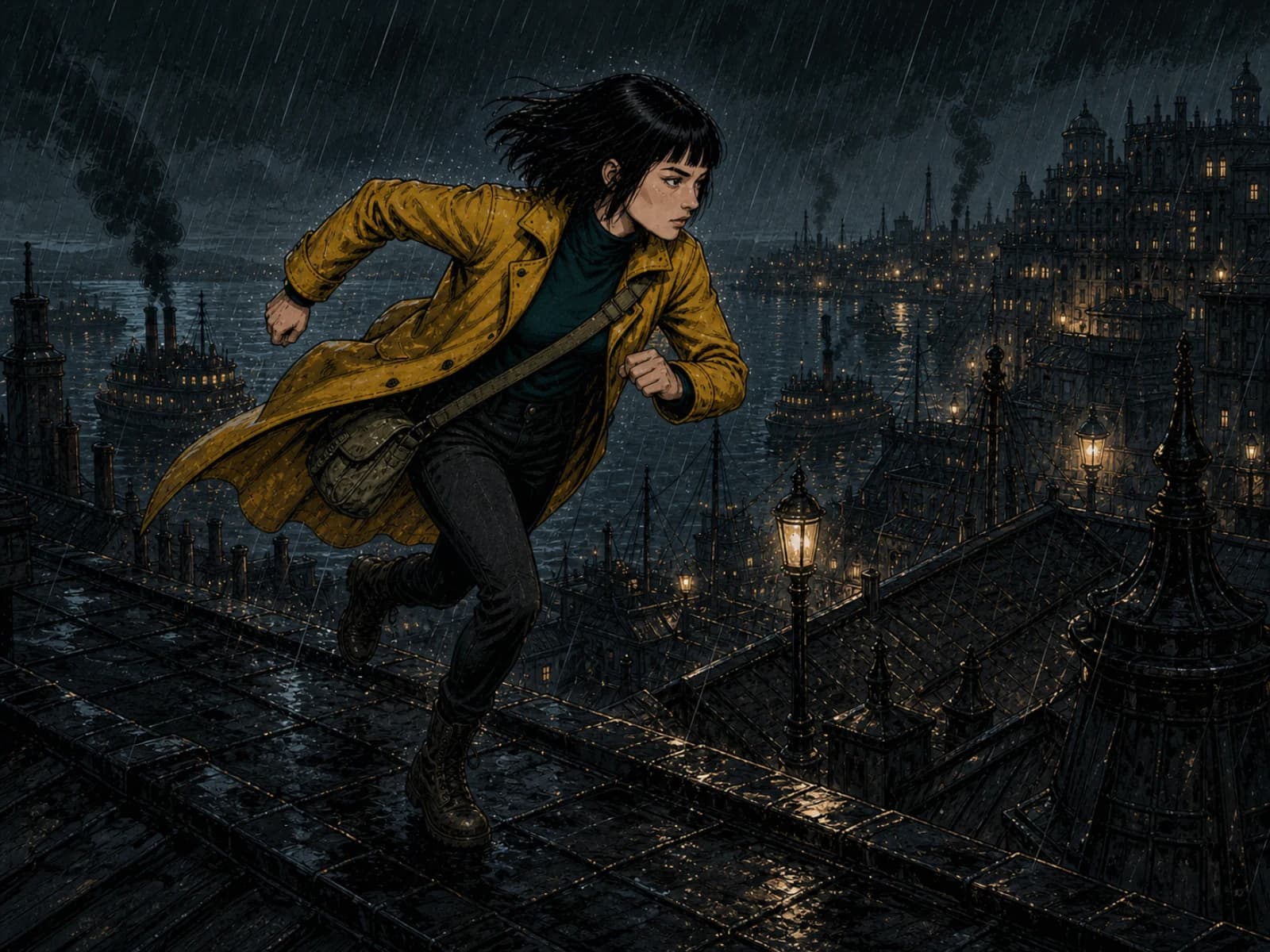
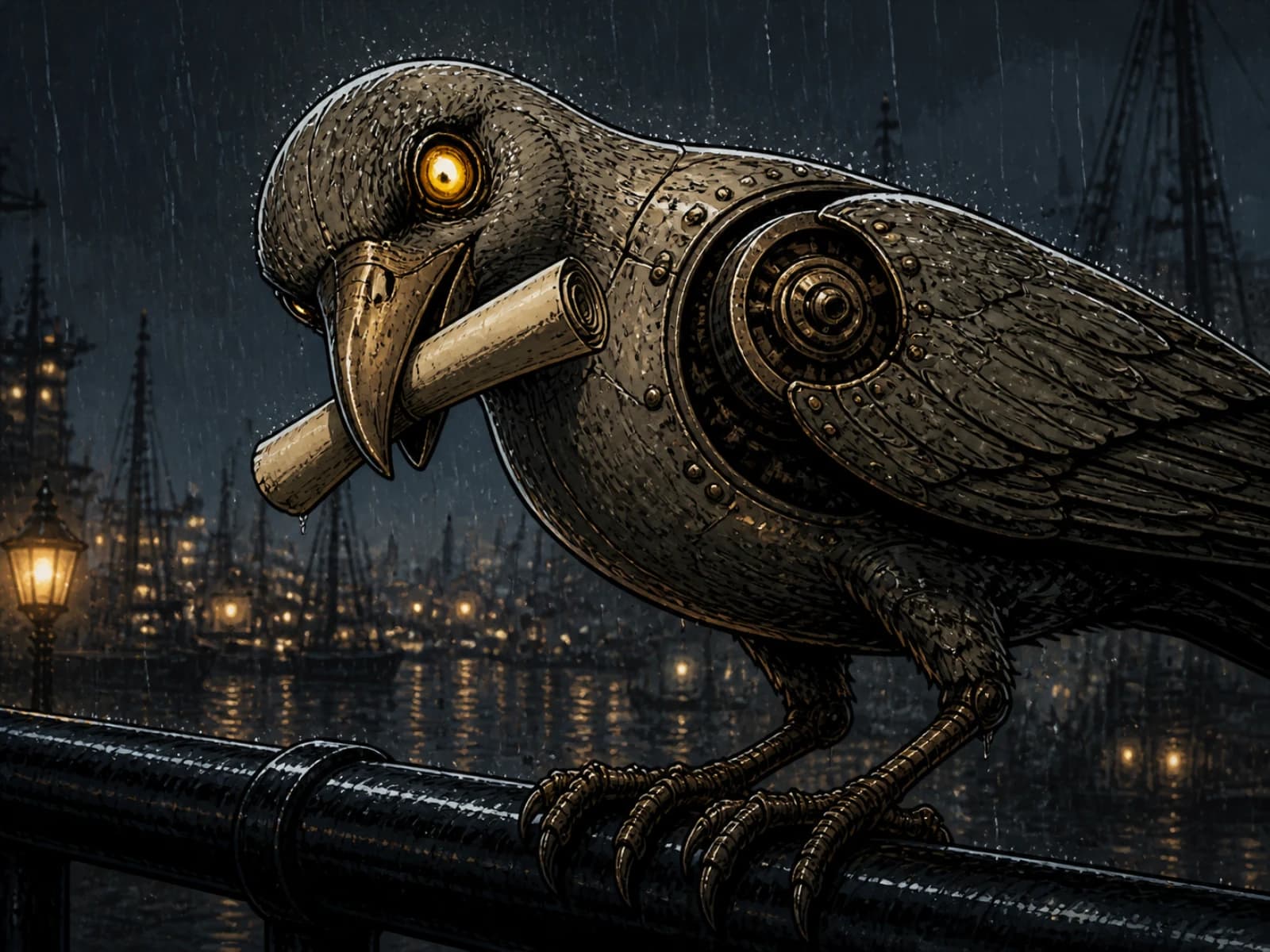
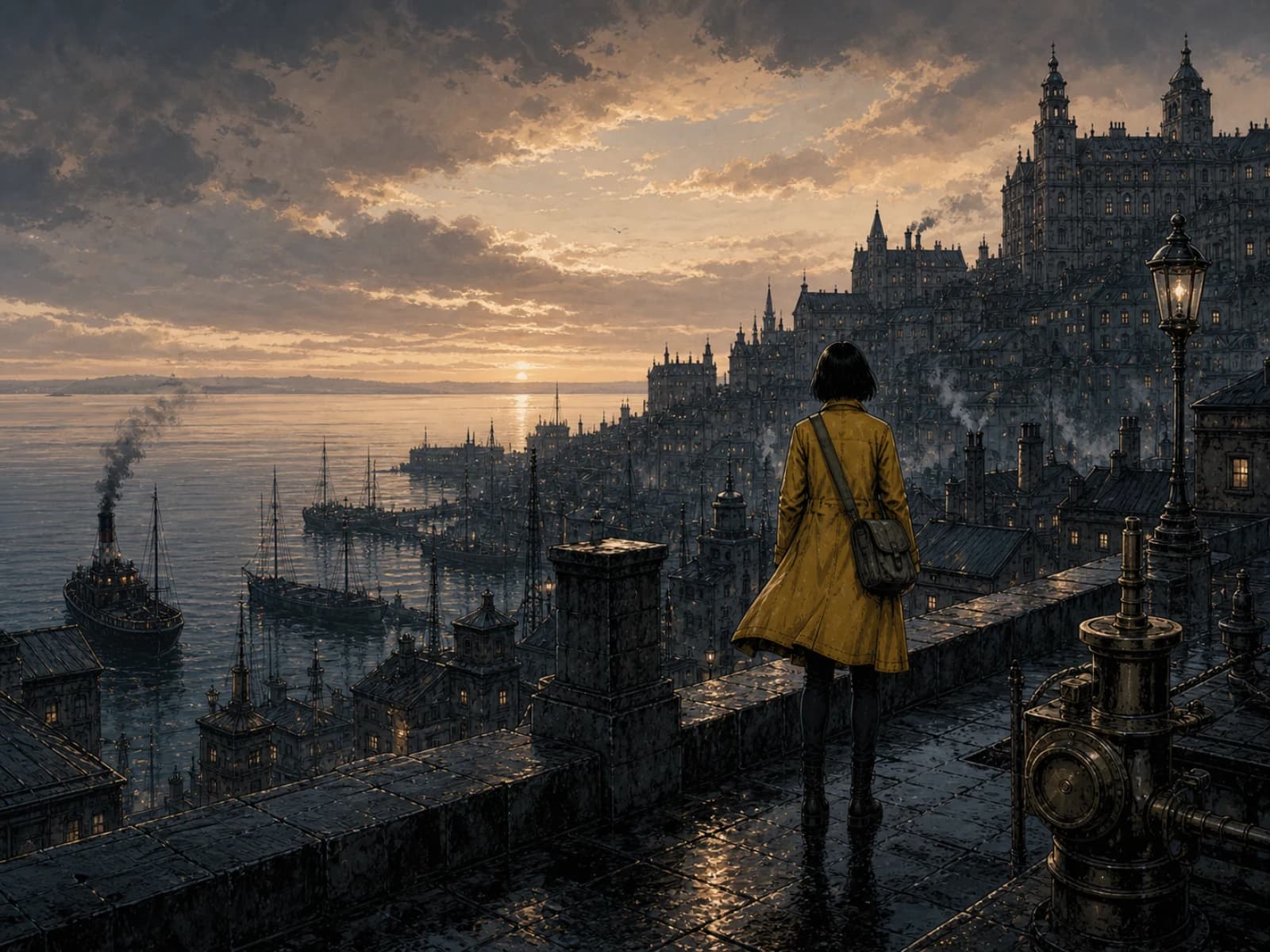
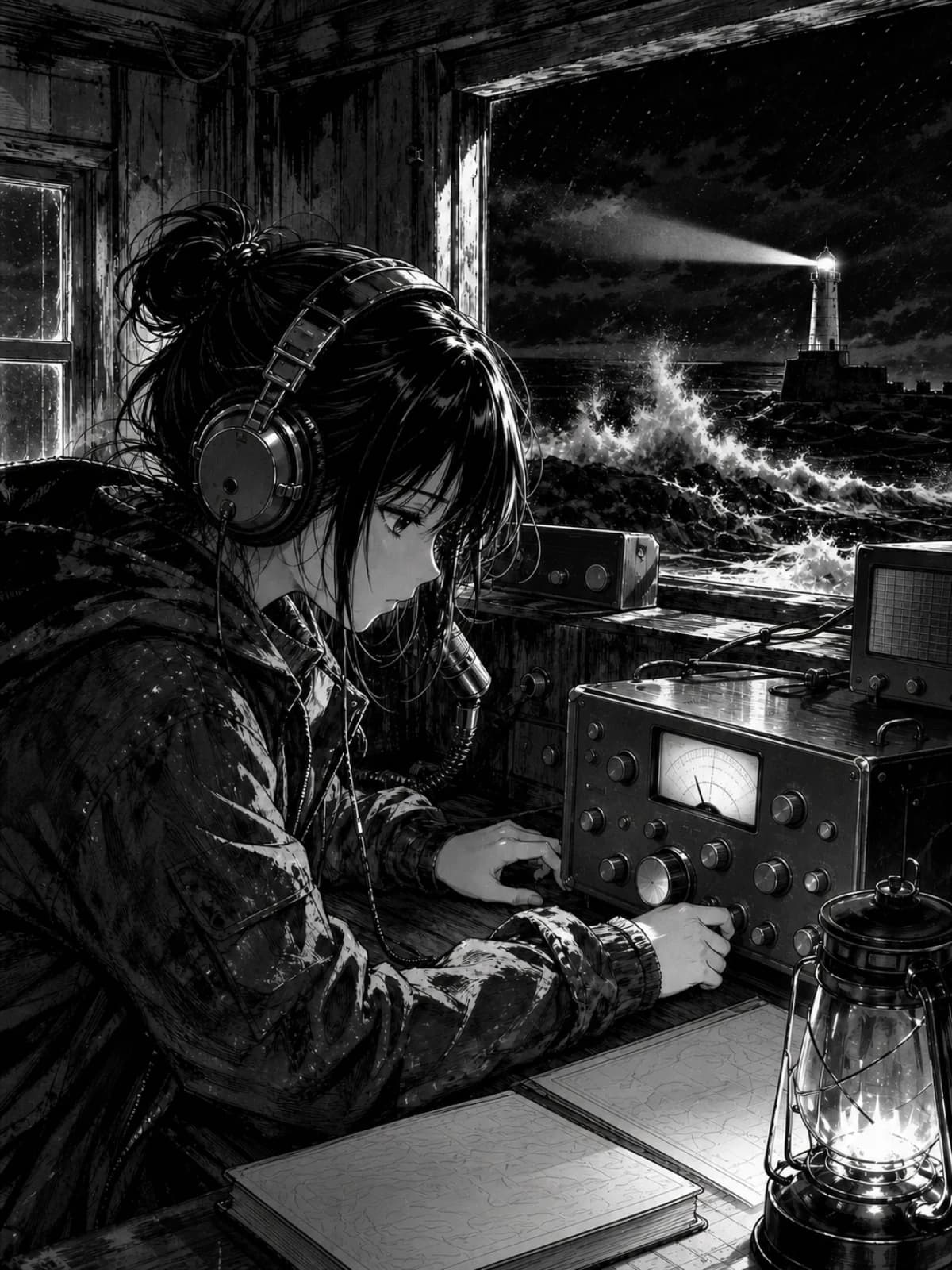
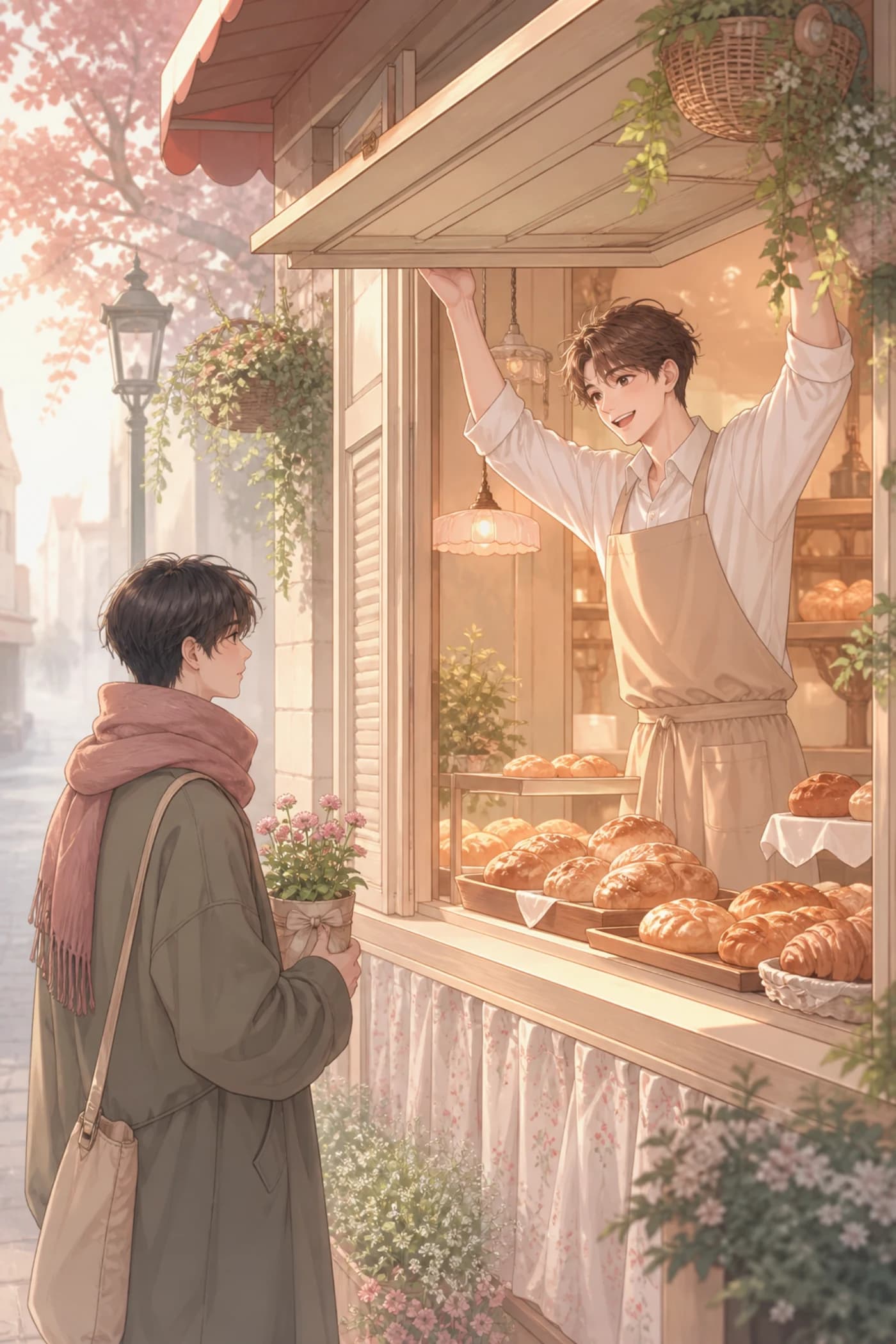
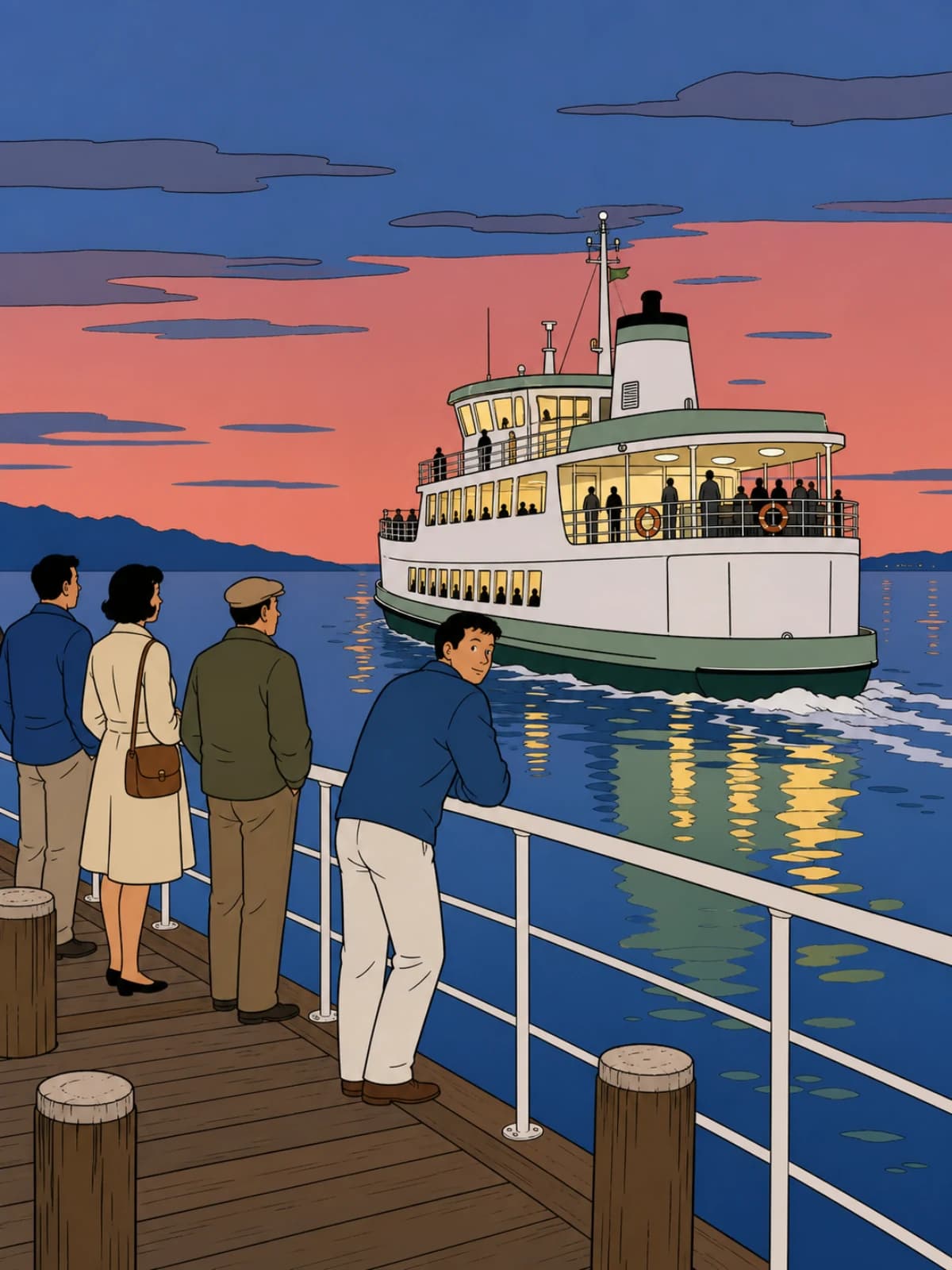
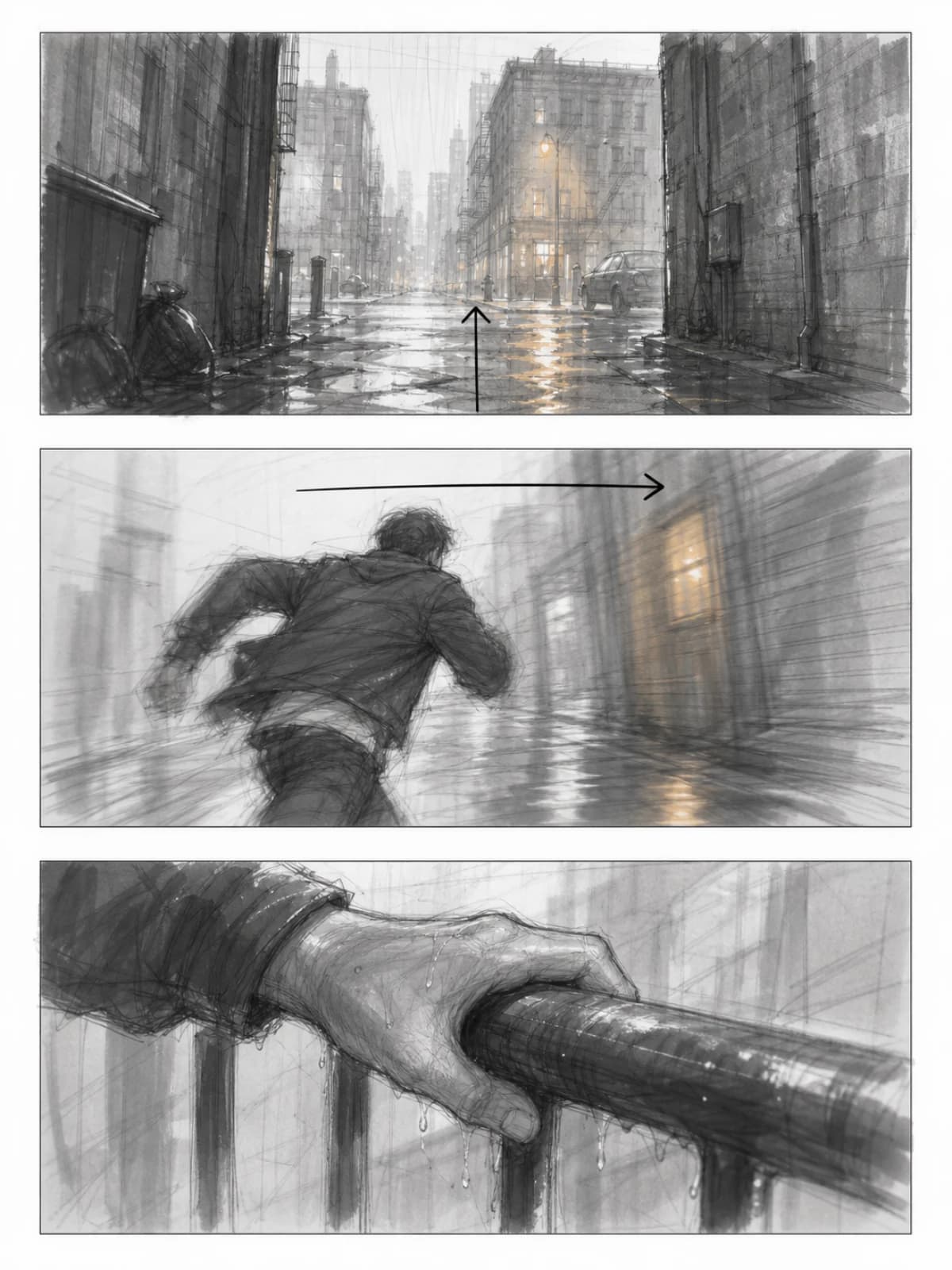
Sample comics made in-house to show the range of stories and styles you can build with ComicWave — not submitted user work.
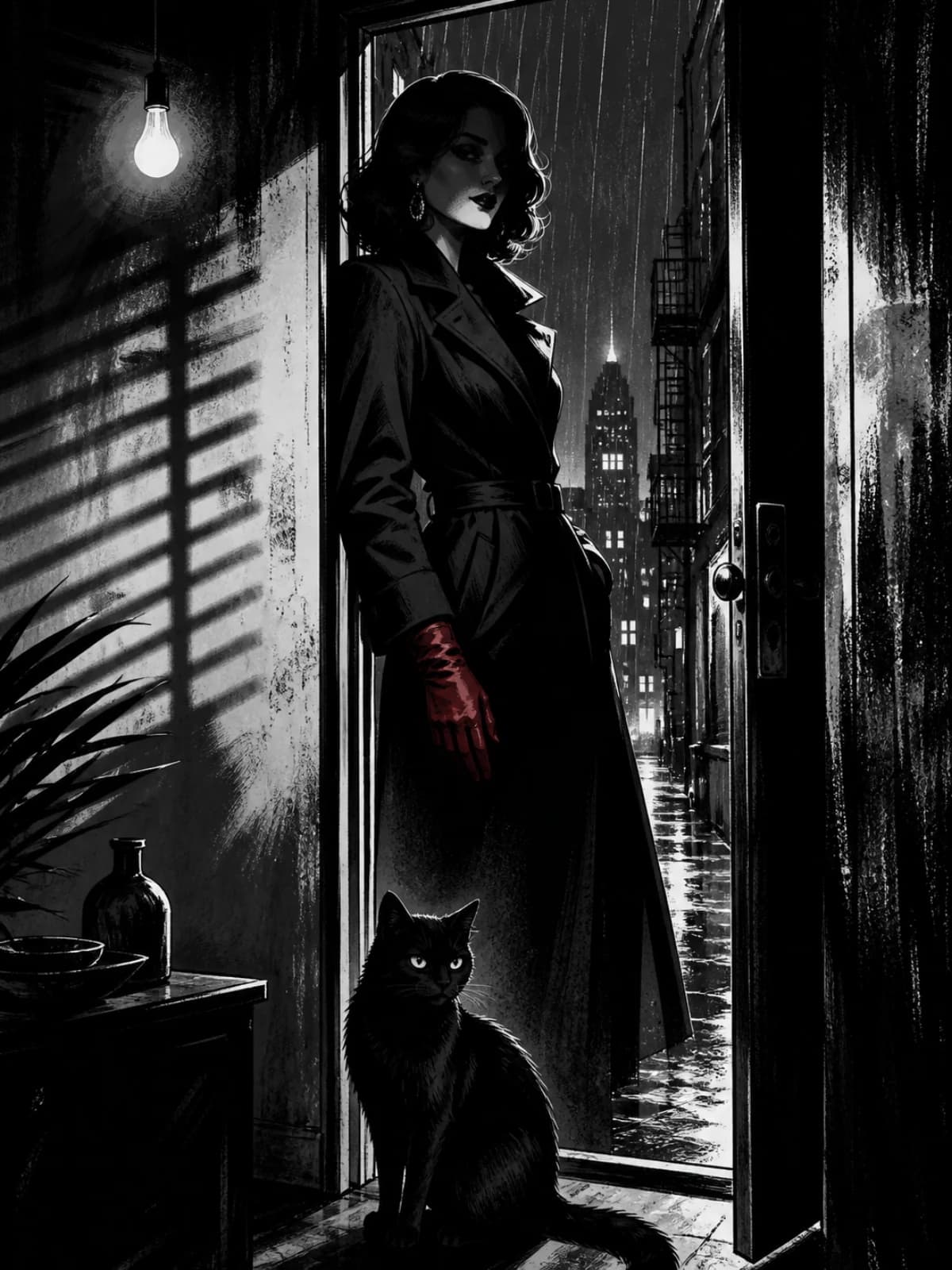

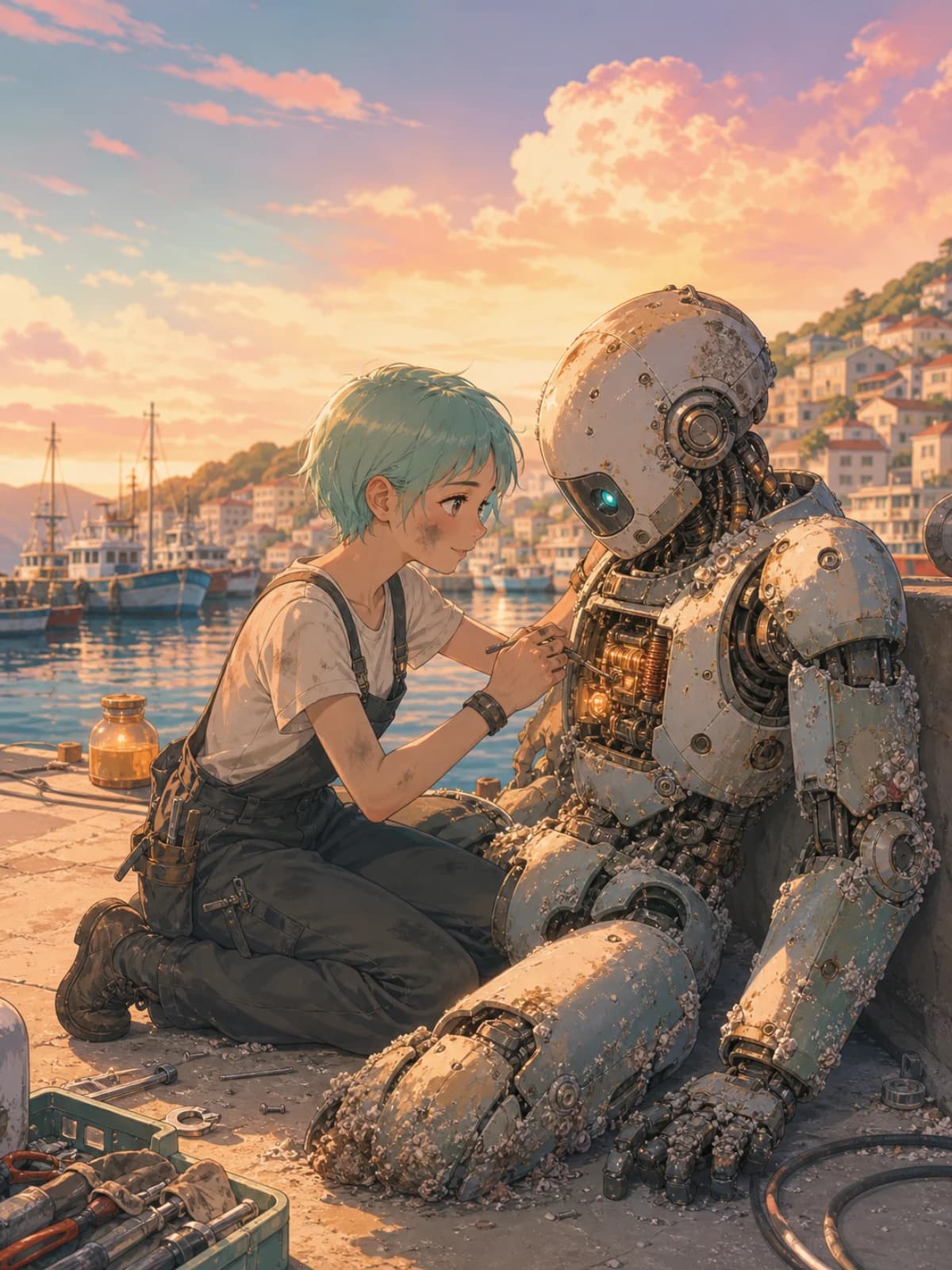
Who it's for
Why not just prompt an image model?
You can get one good picture from a chat box. A comic needs the same people across pages, dialogue that isn't baked into pixels, a plan you can change, and a file your platform will accept.
What the beta must prove
Can a first-time creator finish a short comic without support stepping in?
Does a masked Repair change only the intended pixels while keeping the accepted version recoverable?
Do rejection reasons improve later requests without silently changing approved project state?
Can support explain every credit movement and safely recover a stuck job without direct database edits?
Create, keep characters consistent, letter and export.
Choose monthly or save the cost of two months with annual billing. Annual credits are released monthly. Final currency, taxes and renewal terms are confirmed at checkout.
BUILT FOR FINISHED COMICS — NOT ONLY AI IMAGES
ComicWave combines the creation features people expect from leading comic generators with a production editor designed for work that must remain editable.
Credits are reserved when a job starts and settled only when it succeeds. Platform retries never charge twice. A typical four-panel Standard page uses 60 credits because ComicWave generates four separately editable panels.
Questions
Start with the sample story.
Open The Lantern Courier, redo a panel, move a bubble, export a page — free, no card.