COMICWAVESign inSign up
Home / Utilities / Comic Print Preflight
Free utility · Local file check

Comic printpreflight.

Comic print preflight checks basic image dimensions or PDF page-box evidence before delivery. The browser reads the file locally, reports what it can verify and clearly identifies checks—such as fonts and colour space—that still need professional preflight software or your printer.

No card required · every step is previewed before it costs credits
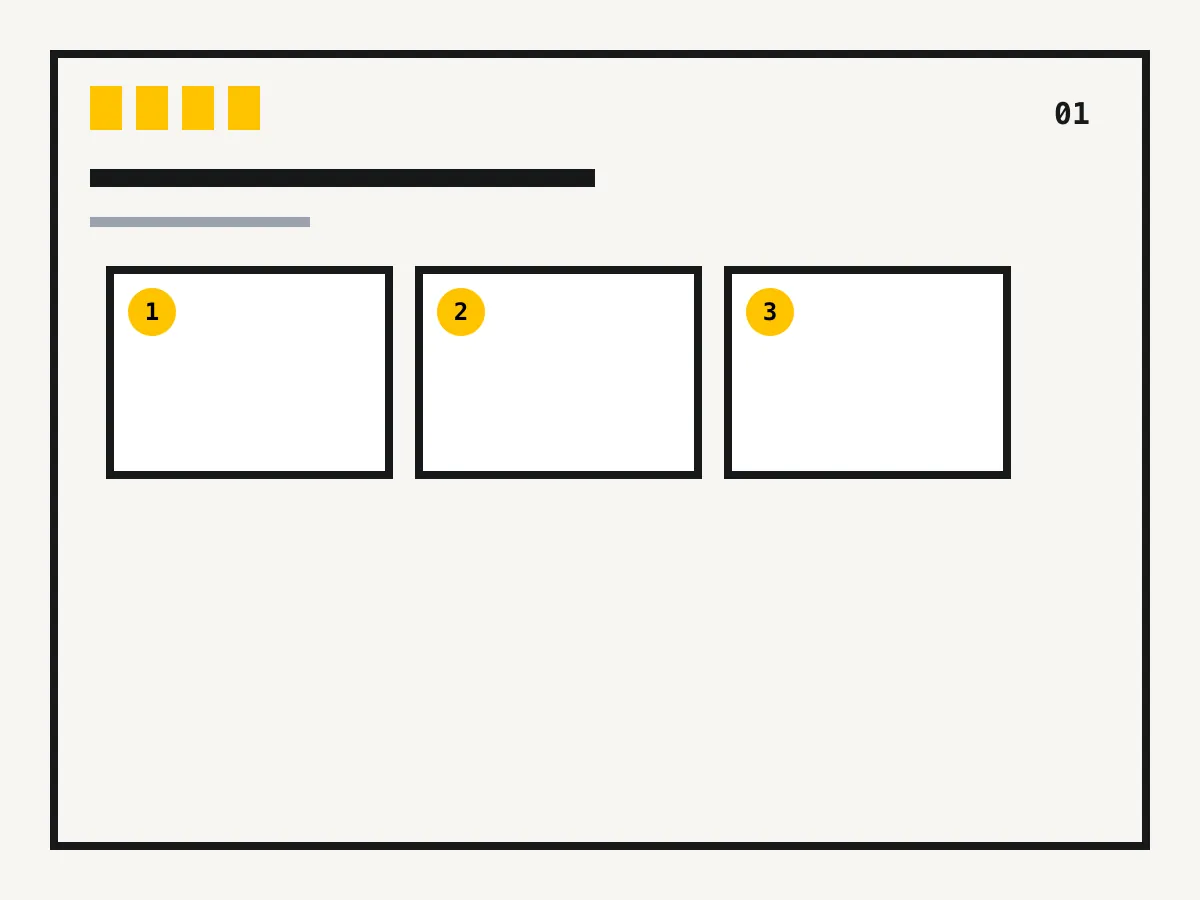
Diagram showing a comic page trim box01
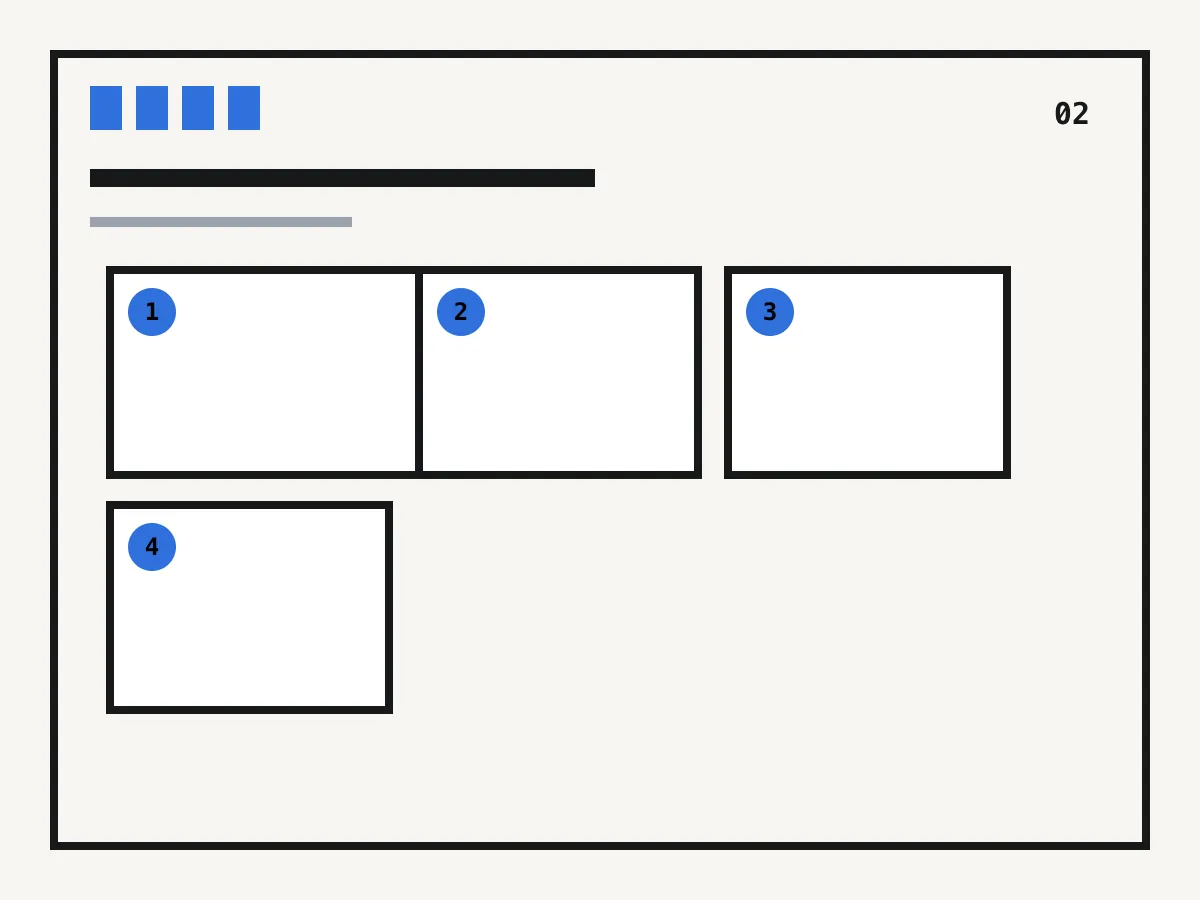
Diagram showing a comic bleed box02
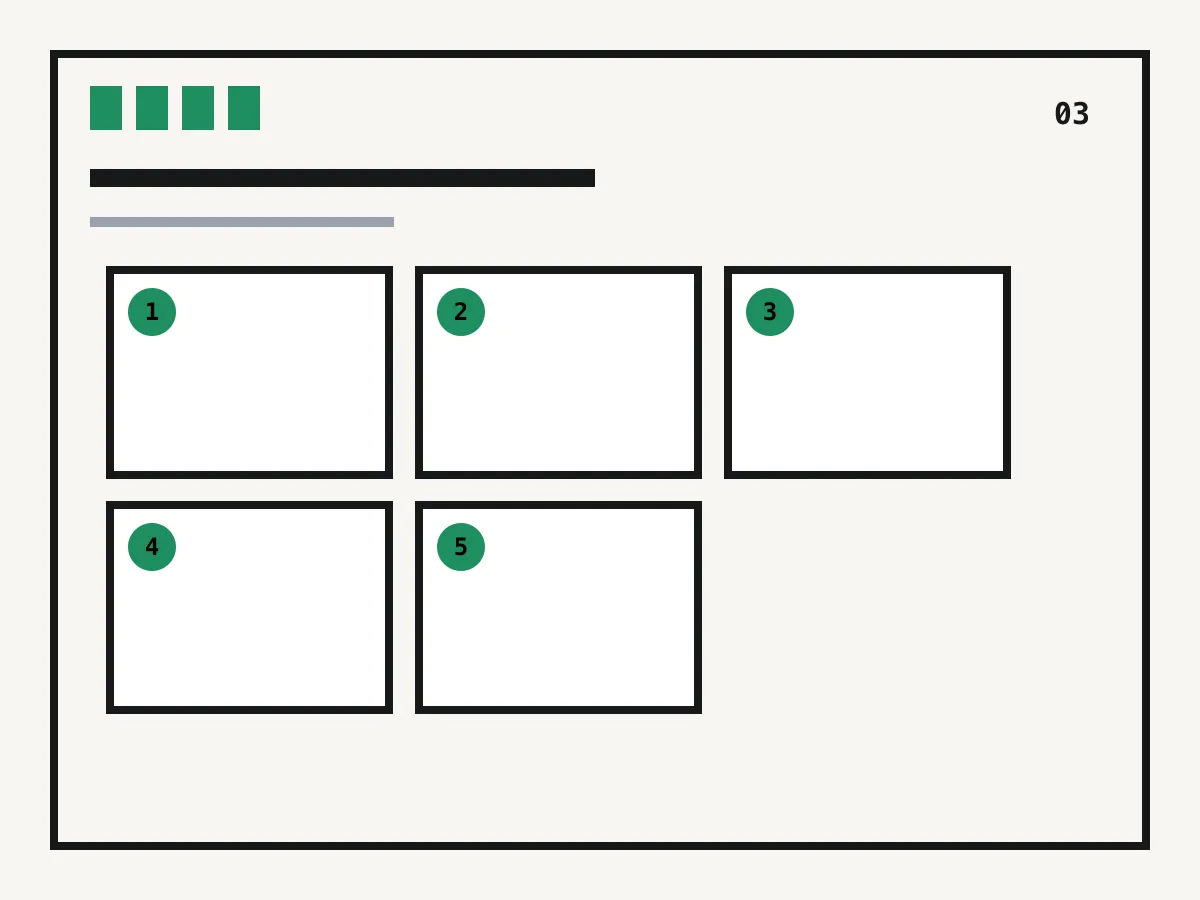
Diagram of important content inside a safe margin03
Local inspection · page boxes · image dimensions · honest limitations

Works in your browser

Run a comic print preflight

Inspect basic page boxes or image dimensions before export. Files stay in your browser and are never uploaded.

Choose a file to begin

The first-pass check runs entirely on this device.

Preflight scope

Files
PNG, JPEG, WebP and basic PDF inspection
Privacy
Processed locally in the browser
Images
Pixel width, height, type and file size
PDF
Page count and page-box token evidence
Report
Downloadable plain text
Limit
Not a substitute for professional print preflight

What you get

Catch simple mistakes

Confirm that the file opens and that its dimensions match the production plan.

Look for page boxes

See whether basic PDF MediaBox, TrimBox and BleedBox evidence is present.

Keep files local

The first-pass reader runs in your browser and does not upload the selected file.

Know what remains

The report states when fonts, colour, overprint and printer-specific checks still need another tool.

How it works

01
Choose a local file

Select a supported image or PDF; the browser reads it without sending it to ComicWave.

02
Read the evidence

Compare pixel dimensions or page-box findings with your current print specification.

03
Finish professional checks

Use your printer's proofing process for colour, fonts, overprint, binding and final delivery.

What a first-pass preflight reviews

These diagrams describe the utility's real scope. A clean result is not a guarantee that a printer will accept the file.

Why creators keep control

See exactly what stays under your control. Customer quotes will appear here only when we have permission to publish them.

Product capability
The workflow stays reviewable

ComicWave keeps the comic print preflight plan, generated panels and lettering as separate stages. You can review the structure before drawing and replace one weak result without discarding accepted work.

Product capability
The examples are clearly identified

The visual examples on this page are original concept illustrations made for this topic. They are not customer work, benchmark results or a promise that every generated output will match them.

How we verified this
Written by ComicWave product team
Reviewed by ComicWave content review on 2026-09-04
Evidence reviewed: ComicWave product implementation · ComicWave editorial keyword brief · Page-specific original concept illustrations

Why this beats one big prompt

What you needOne image modelComicWave
The same face in every panelRe-rolls until it looks closeApproved sheet attached to relevant panels; outputs remain reviewable
Fixing one bad panelRegenerate the whole imageOne panel, one job, siblings untouched
Changing a line of dialogueRedraw and hopeFree — text is vector, not pixels
Reading order and guttersWhatever the model paintsA real layout you can switch for free
Print at 300 dpiUpscale and prayPage size, trim, bleed and a validator
Knowing the cost firstPay per attemptReserved, settled, released — shown up front
Free 50 credits · Creator $24 · Studio $72Credits are reserved before a job and released if it fails.See pricing →

Questions

Related tools

Same category, the next step in the workflow, and something to read.

A transparent partial check is better than a false green light.

Prepare a print comicSee pricing