Product capability
The workflow stays reviewable
ComicWave keeps the marketing comic plan, generated panels and lettering as separate stages. You can review the structure before drawing and replace one weak result without discarding accepted work.
A comic maker for marketing turns a product message, customer journey or campaign idea into a short visual story. ComicWave helps teams review the narrative, brand details and claims before drawing, then edit each panel and line of copy without rebuilding the whole asset.
Each one starts from a paste, ends in a printable page, and costs less than a set of photocopies.
Show the problem, product action and result.
Explain one workflow without a wall of text.
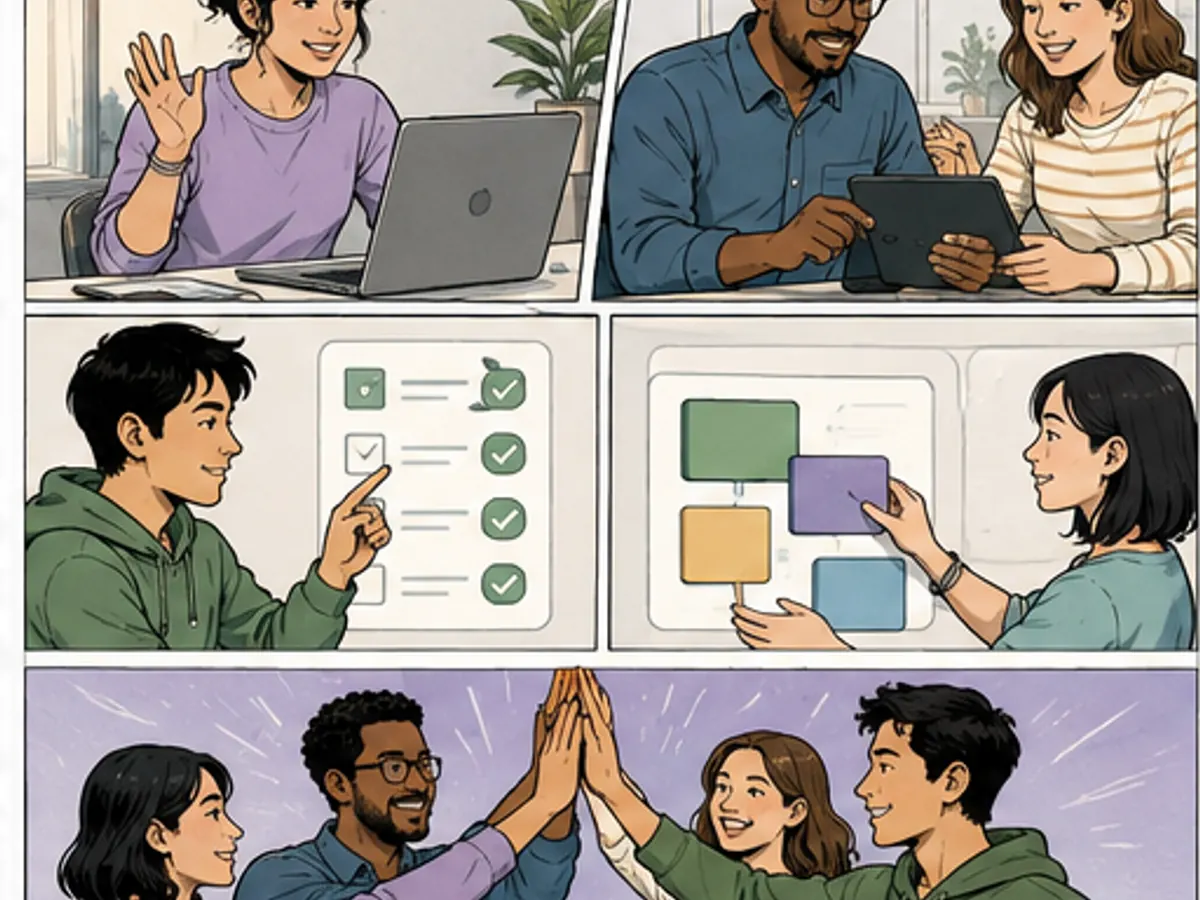
Make stages and hand-offs easy to discuss.
Adapt one approved narrative across channels.
Projects are private and your work is not used for training. Generated art is yours to print and hand out. Everything is drawn from your text, so check a page before it goes on a wall — the same read-through you would give any worksheet.
Give the comic one audience, one useful promise and one next action.
Keep product facts and required wording visible in the plan before artwork makes them harder to change.
Shorten, localize or test a line without repainting the campaign scene.
Create channel-specific crops and sequences after the core narrative has been reviewed.
Name the audience, their problem, the product action, the proof you can support and the desired next step.
Check every claim, product detail and panel beat with the responsible team before drawing.
Edit copy and panels, then export the approved story for social, presentations or landing pages.
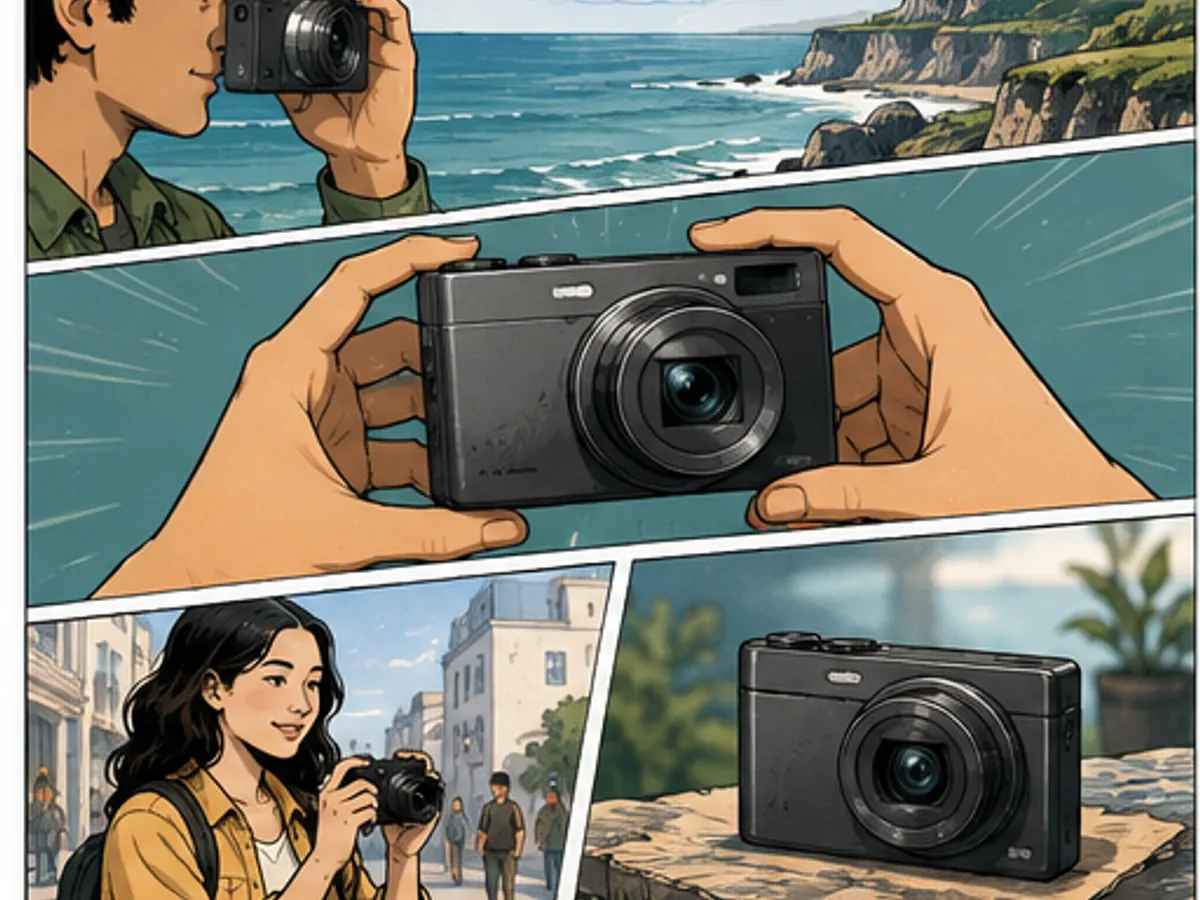
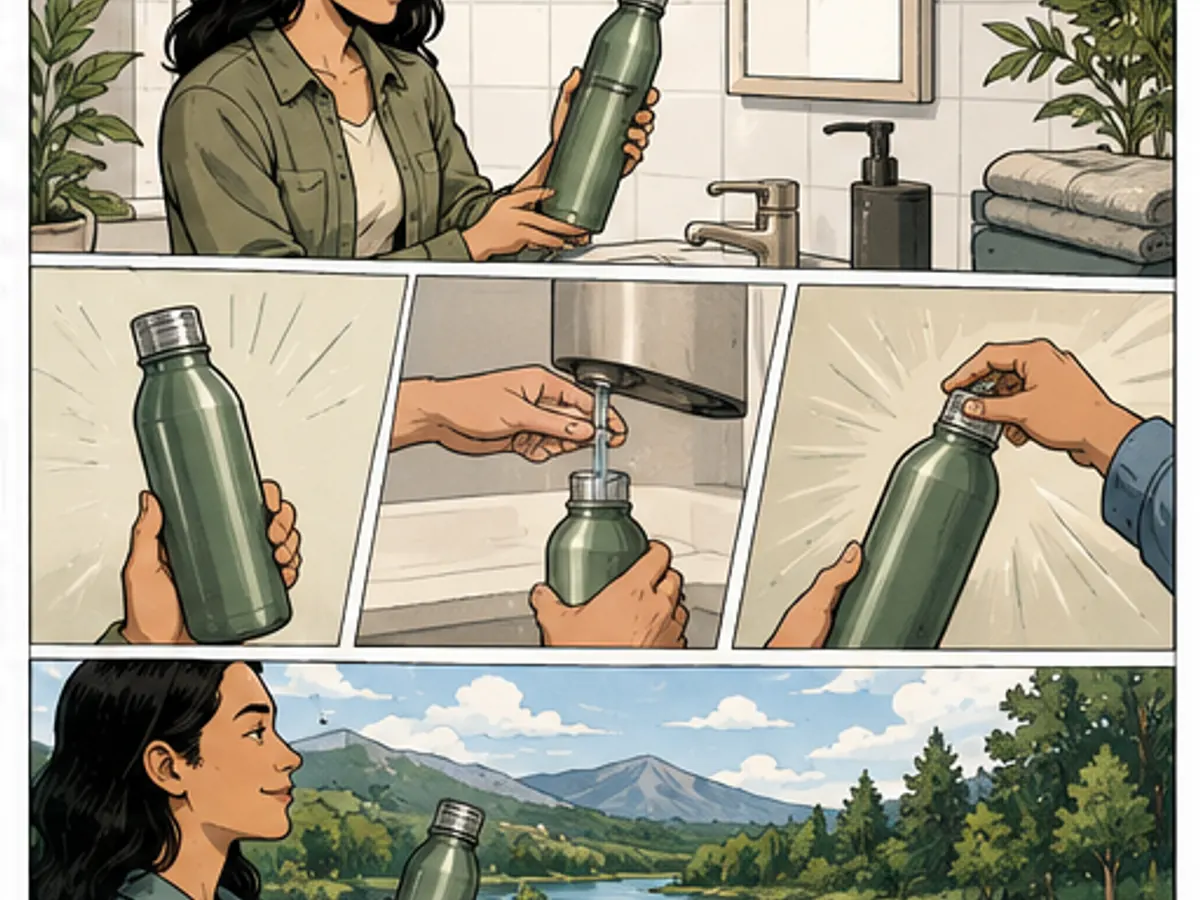
Six original, unbranded use-case illustrations made for this page. No customer or performance claim is implied.
See exactly what stays under your control. Customer quotes will appear here only when we have permission to publish them.
ComicWave keeps the marketing comic plan, generated panels and lettering as separate stages. You can review the structure before drawing and replace one weak result without discarding accepted work.
The visual examples on this page are original concept illustrations made for this topic. They are not customer work, benchmark results or a promise that every generated output will match them.
Same category, the next step in the workflow, and something to read.